Send files from your Android phone to your Mac
- Get a private link on your Mac. Open sharedclipboard.com on your Mac and click Get a private link. A QR code appears.
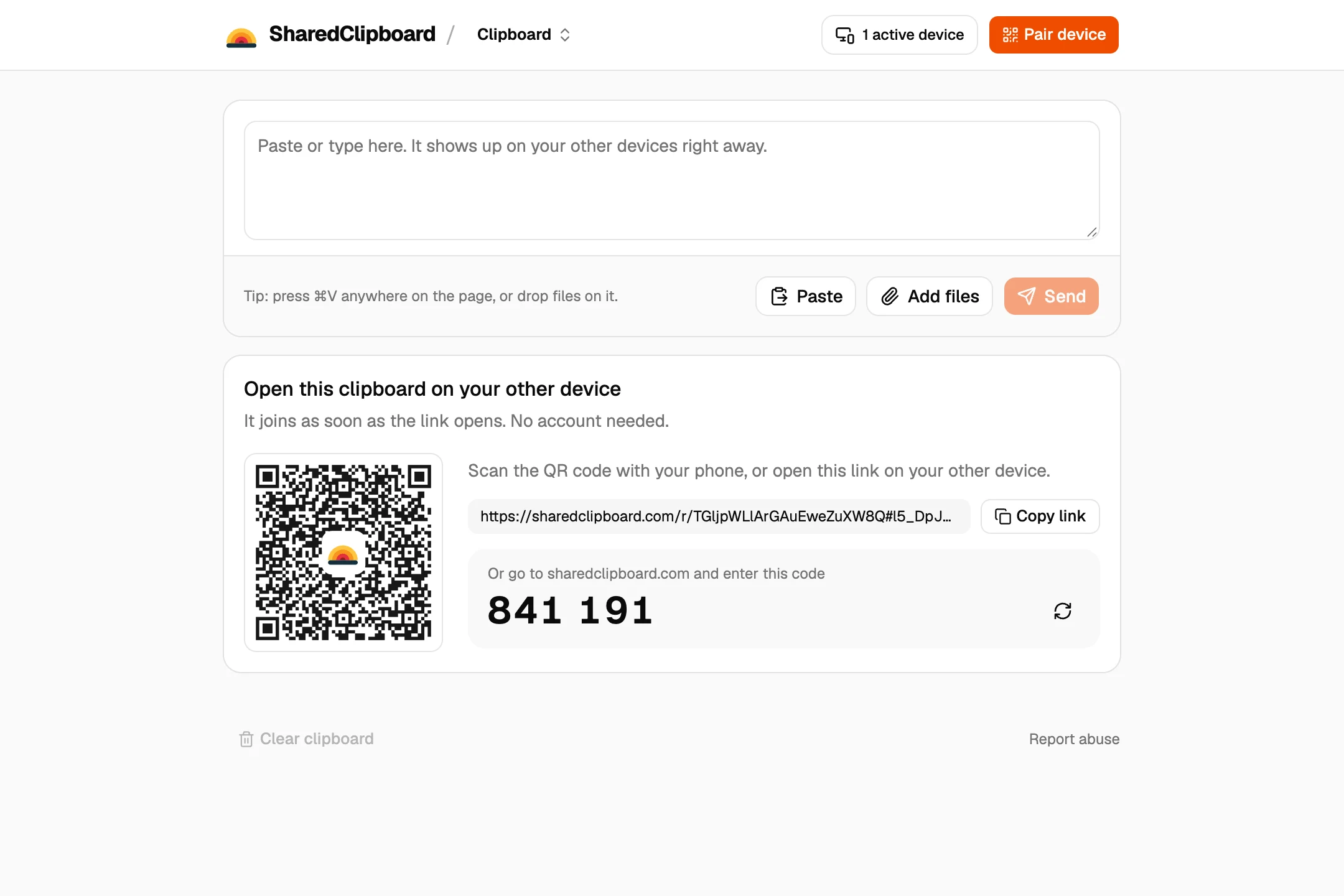
- Open it on your Android phone. Point the camera at the code and tap the link. The same clipboard opens in the browser, with nothing to install.
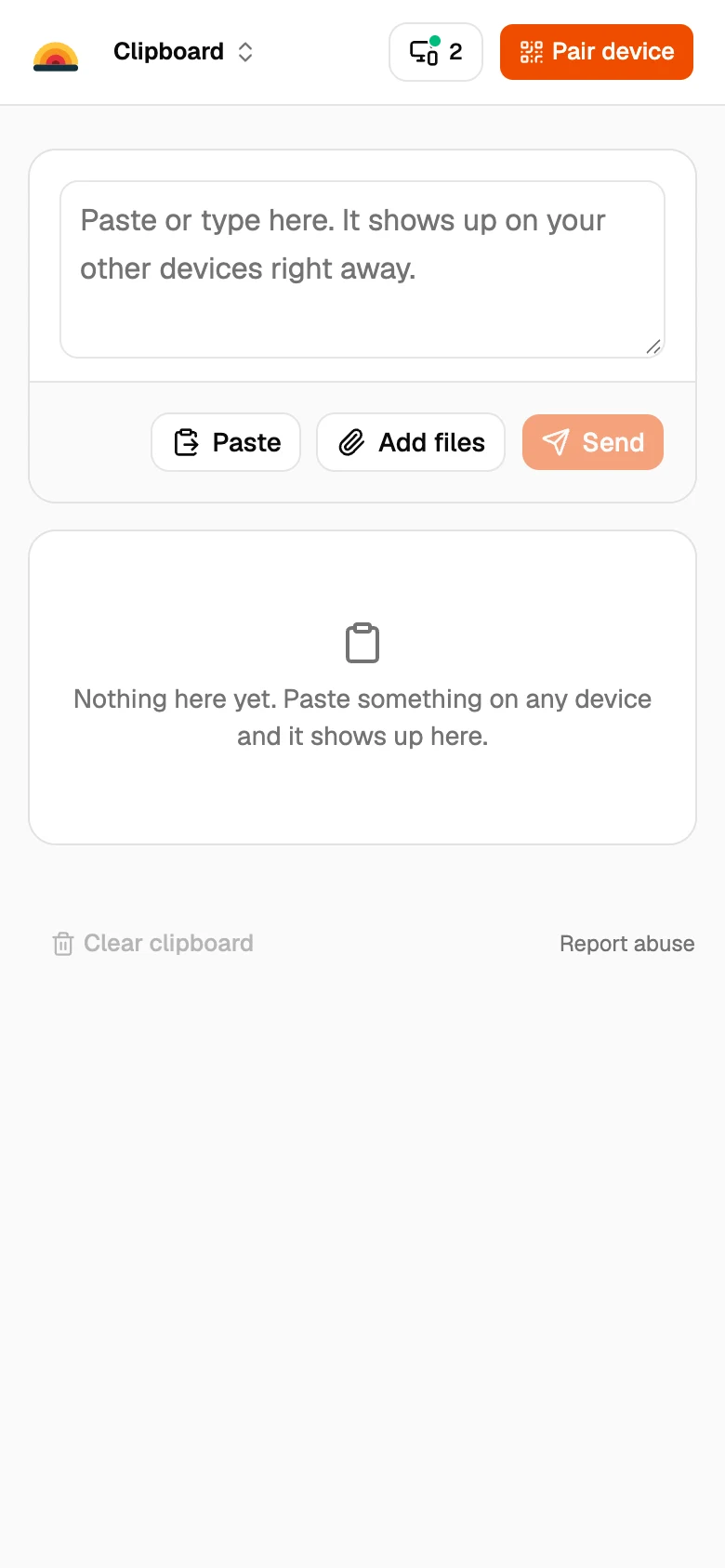
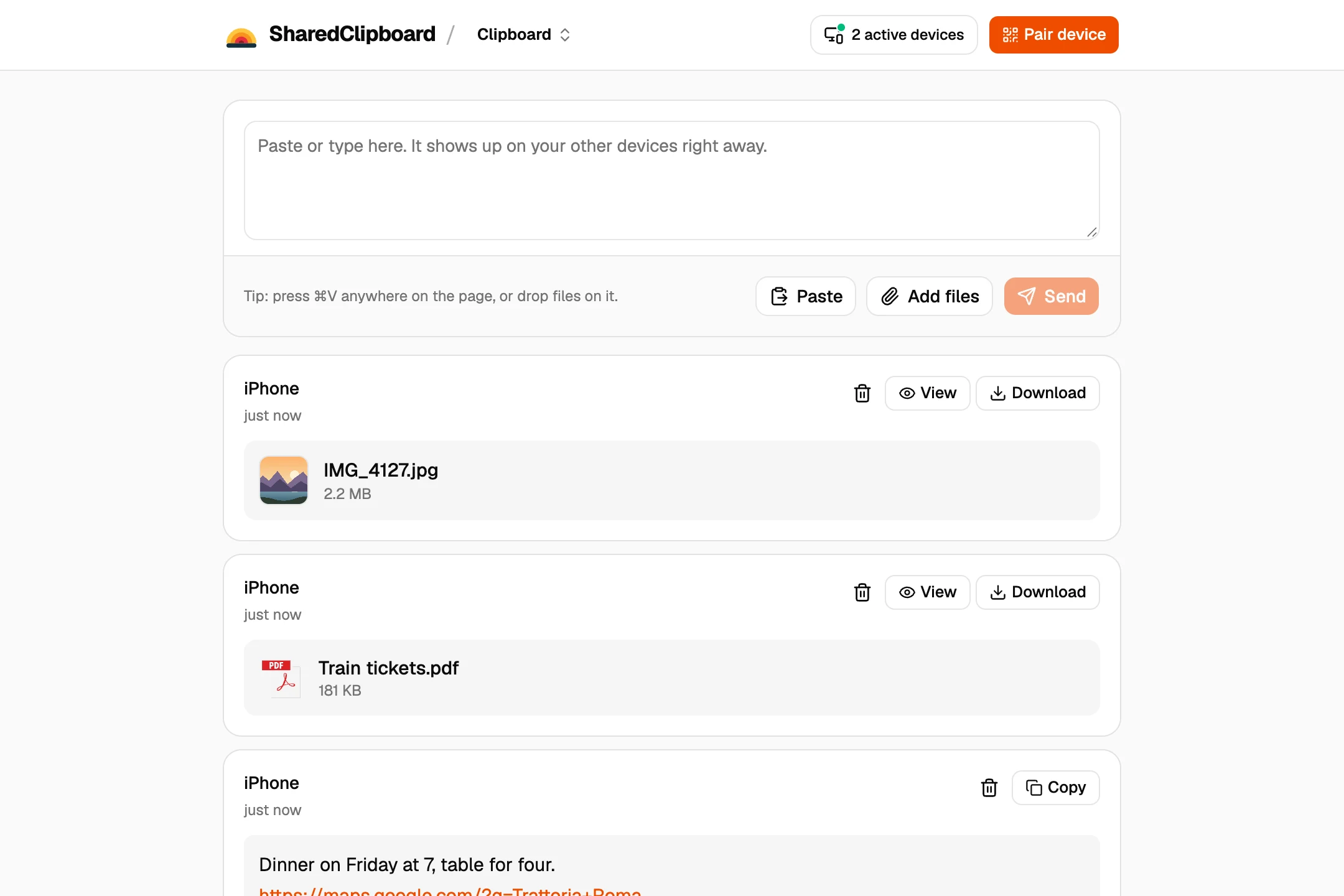
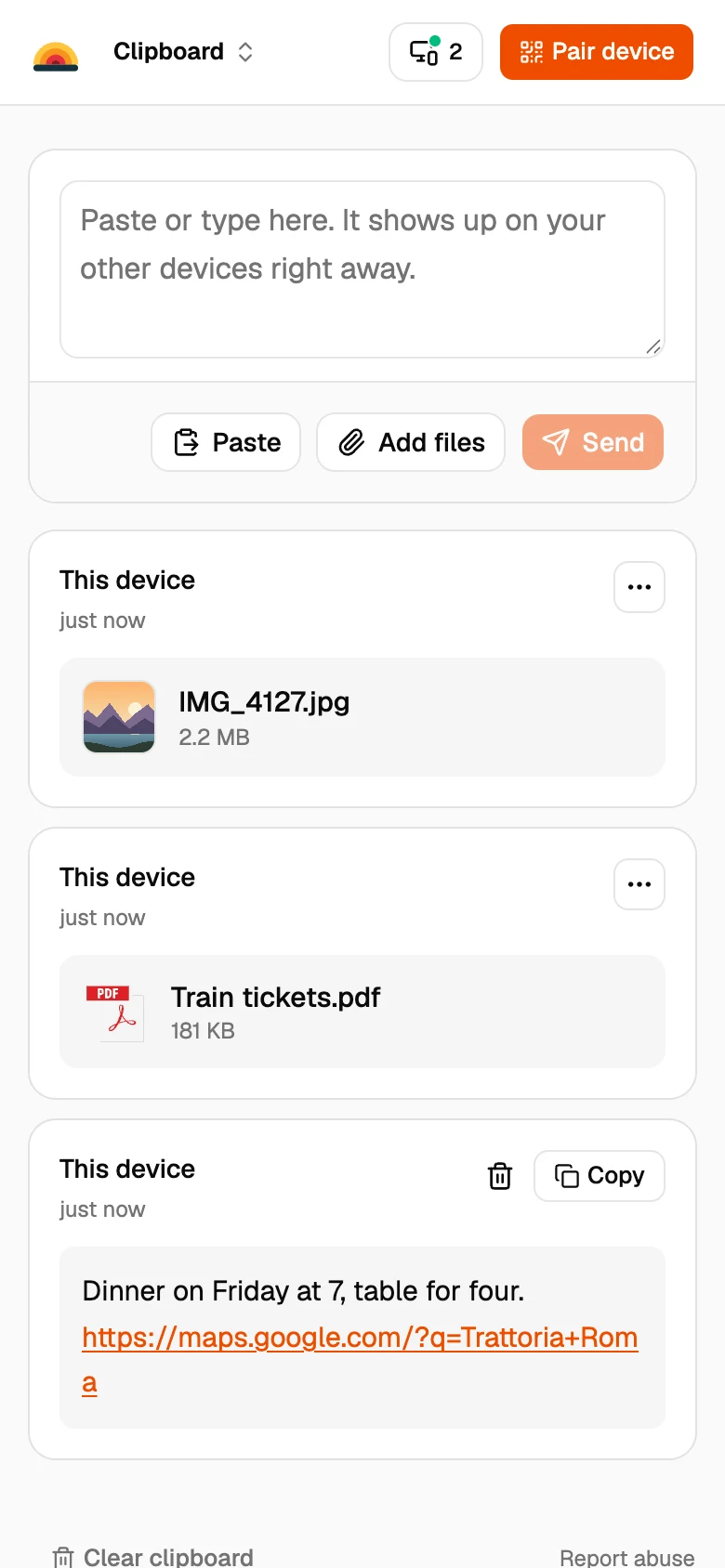
- Add your photos and files. Tap Add files on your Android phone and pick what you want to send. It shows up on your Mac a moment later, and Download saves it.
Other ways to get files from Android to a Mac
A USB cable and OpenMTP
OpenMTP is a free, open source app for Mac that opens an Android phone’s storage over USB. Good for moving lots of files at once.
Google Photos
If your phone backs up to Google Photos, open photos.google.com on the Mac and download what you need.
Email or a chat app
Fine for one or two files, but chat apps often shrink photos.
Good to know
- Both devices need to be online at the same time. Files go straight from one to the other and are never stored on our servers.
- Each file can be up to 100 MB. For a whole photo library, a cable is faster.
- Some work and school networks block direct connections between devices. If a file doesn’t arrive, put both devices on the same Wi‑Fi or use your phone’s hotspot.
- It works both ways: files you add on the Mac show up on the phone.
Questions
What replaced Android File Transfer on Mac?
Google now points people to Quick Share, which only runs on Android, Windows and Chromebooks. On a Mac, use a browser tool like SharedClipboard, or a USB app like OpenMTP.
Can I use Quick Share on a Mac?
Not officially. Google makes Quick Share for Windows, not for macOS.
How do I transfer photos from Android to Mac wirelessly?
Open the same SharedClipboard link on both, tap Add files on the phone, and download the photos on the Mac.
Do I need to install anything?
No. SharedClipboard runs in the browser on the phone and the Mac.
Updated September 27, 2026