How to use it
- Get a private link. Click Get a private link. Your clipboard gets its own address and encryption key.
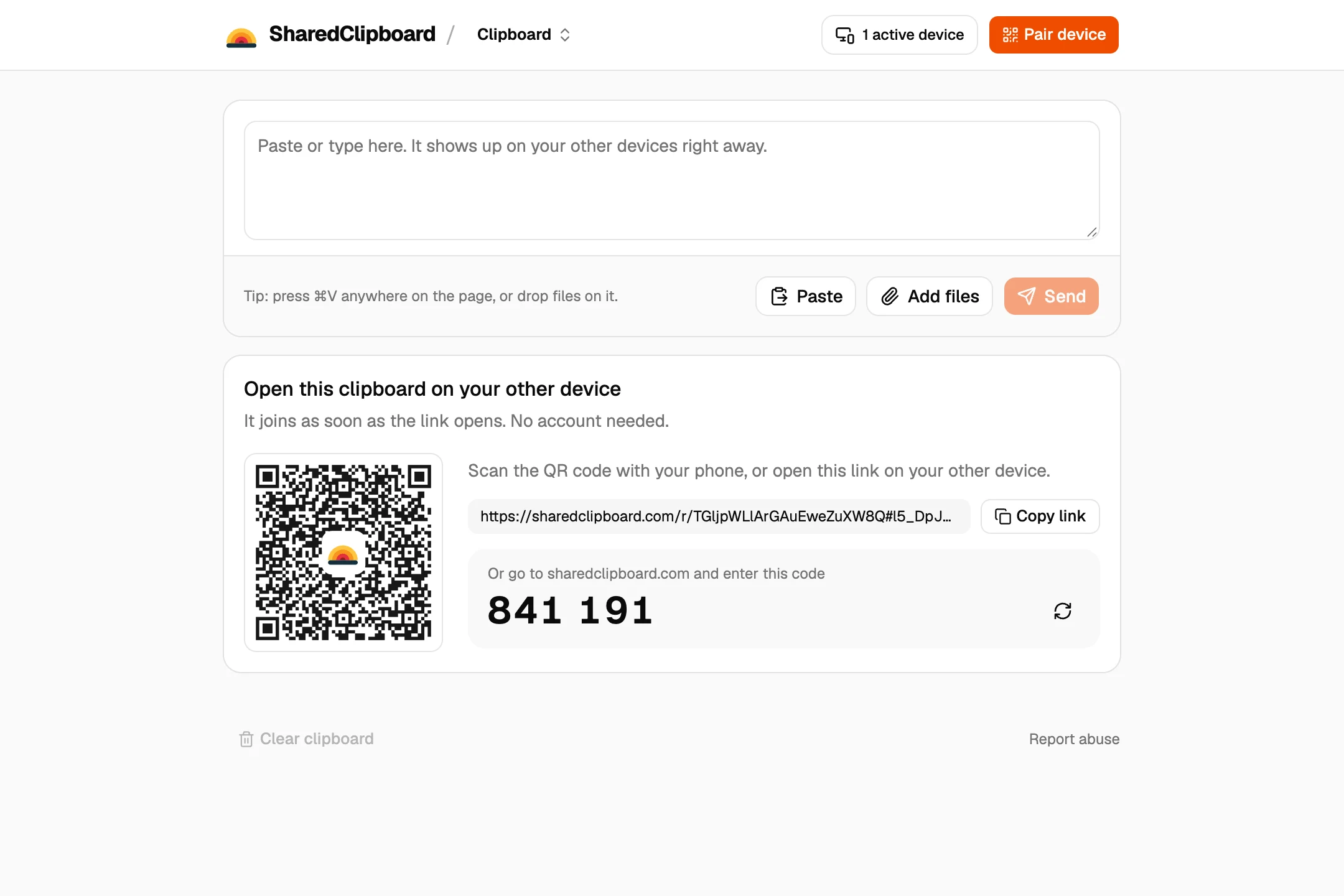
- Open it on your other devices. Scan the QR code with your phone, or type the 6‑digit code on another computer.
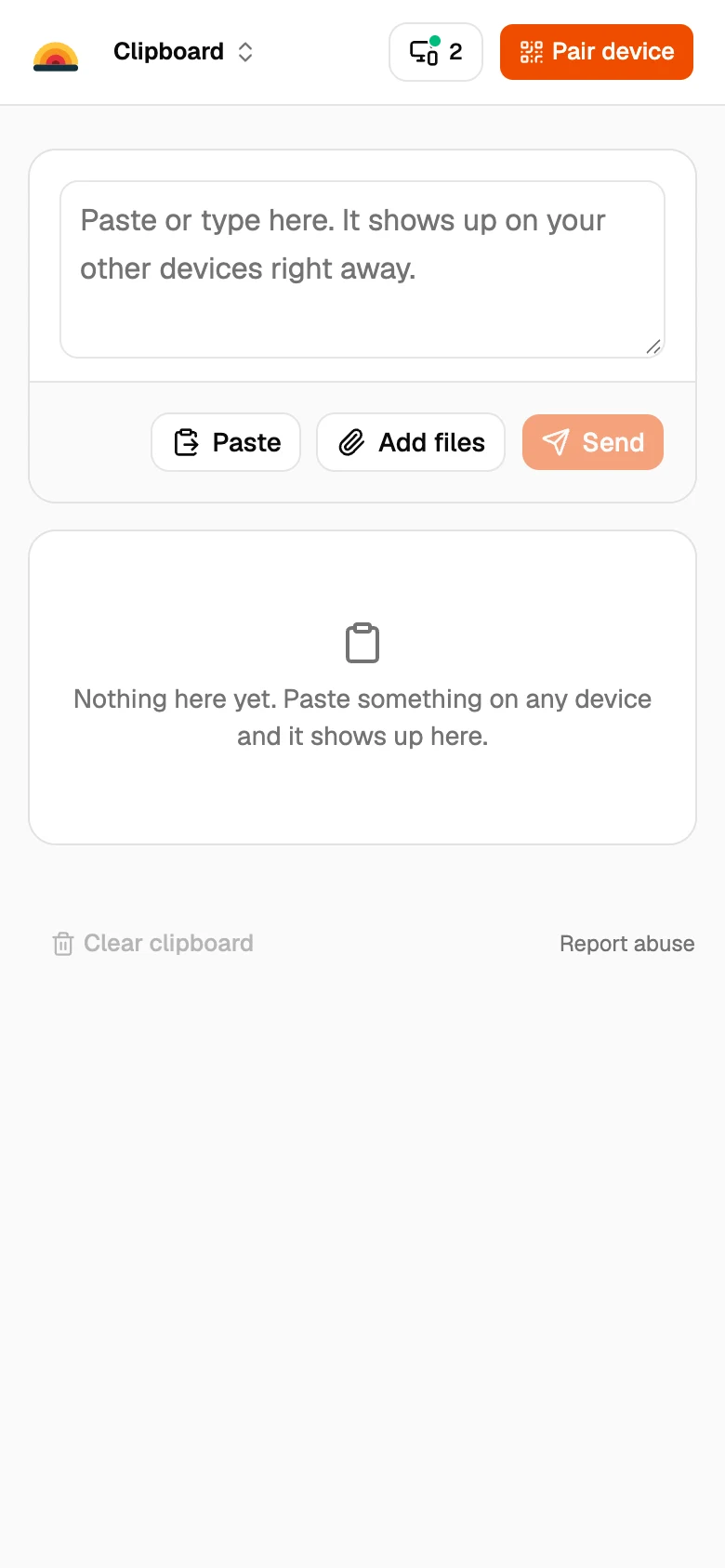
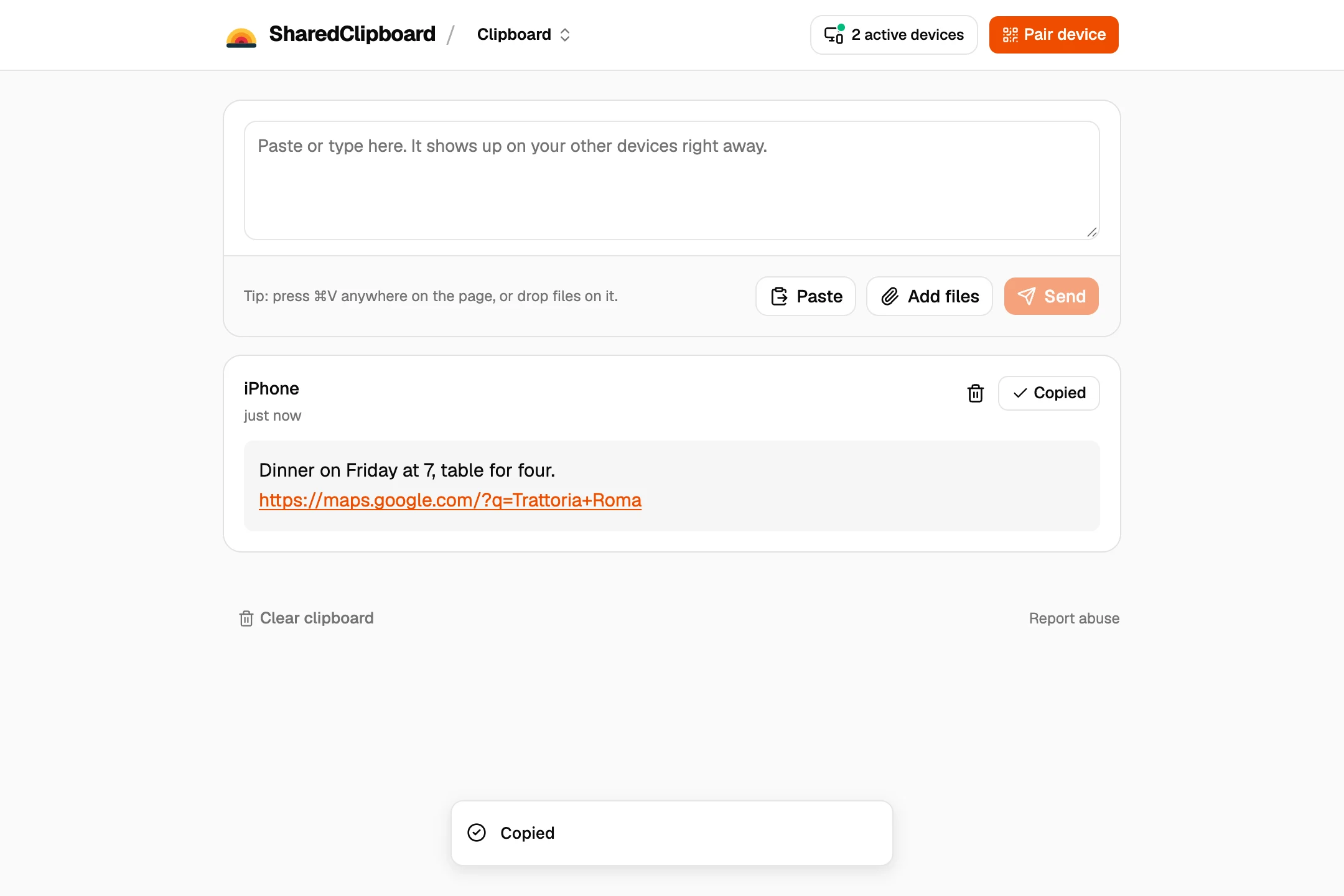
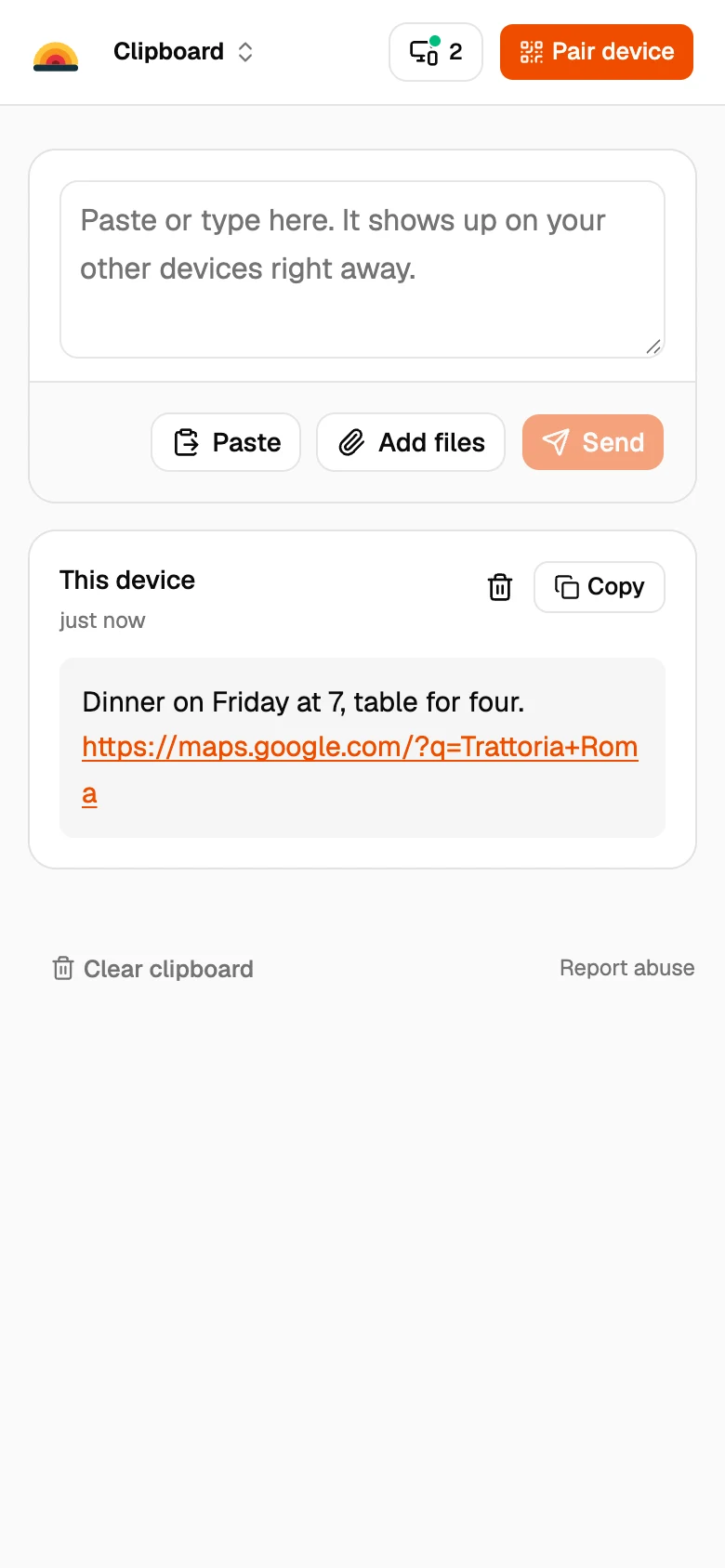
- Paste on one, copy on another. Paste text, photos or files on any device, and copy or download them on the others.
How it compares
Public clipboard sites
Quick to use, but your text usually sits on their server, and anyone with the code or address can open it.
Your phone’s own clipboard
Stays on that one device. It can’t paste on your computer.
Notes apps and email
Sync once you’re signed in everywhere, and everything stays until you delete it.
Good to know
- Everything is end‑to‑end encrypted in your browser. Our servers can’t read what you paste.
- Files go straight between your devices and are never stored on our servers.
- Clear the clipboard and it’s gone from every device. Anything left deletes itself after 7 days.
- It works on iPhone, Android, Mac, Windows, Linux and Chromebook, with nothing to install.
Questions
What is an online clipboard?
A web page that holds text and files you copy, so you can paste them on another device. SharedClipboard is one that only your own devices can open.
Is my clipboard private?
Yes. It’s end‑to‑end encrypted, and the key stays in your link and your browser. Our servers never see it.
How do I share a clipboard between my phone and my PC?
Get a private link on the PC and scan its QR code with your phone. Anything you paste on one shows up on the other.
Do I need an account?
No. SharedClipboard is free and has no accounts.
How long does it keep what I paste?
Until you delete it or clear the clipboard. Anything left deletes itself after 7 days.
Updated September 27, 2026