Send a file from your PC to your iPhone
- Get a private link on your PC. Open sharedclipboard.com on your PC and click Get a private link. A QR code appears.
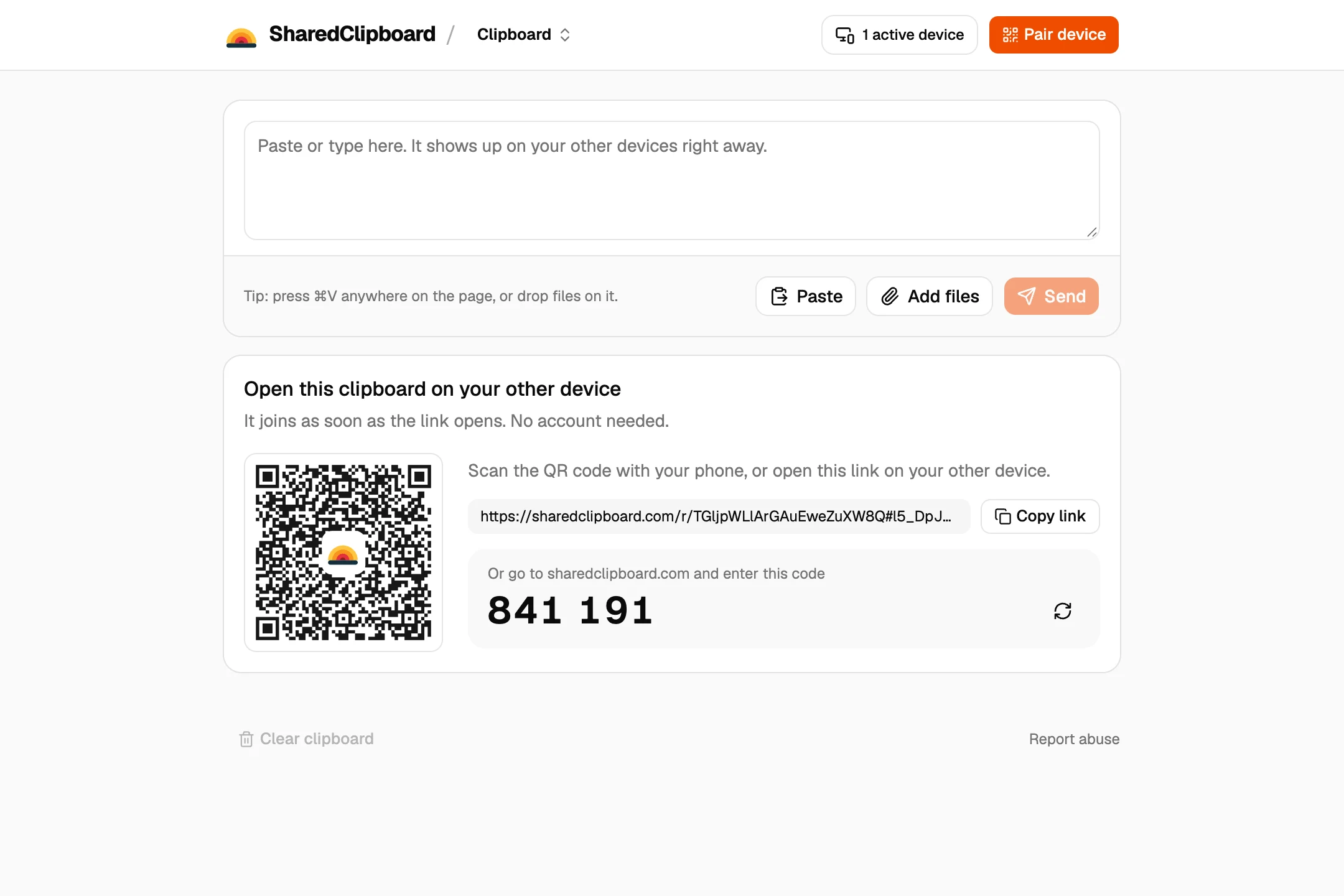
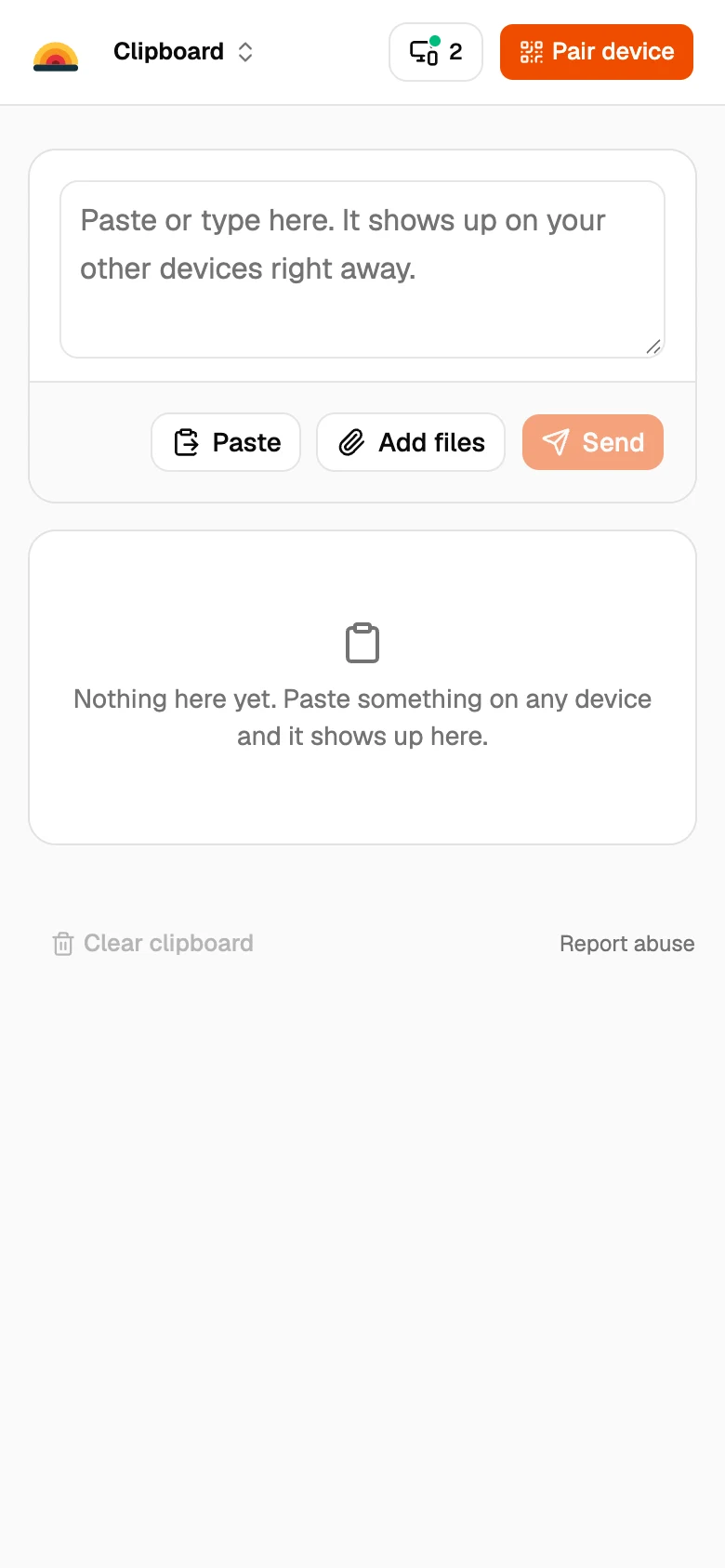
- Scan the QR code with your iPhone. Point the iPhone camera at the code and tap the link. The same clipboard opens in Safari, with nothing to install.
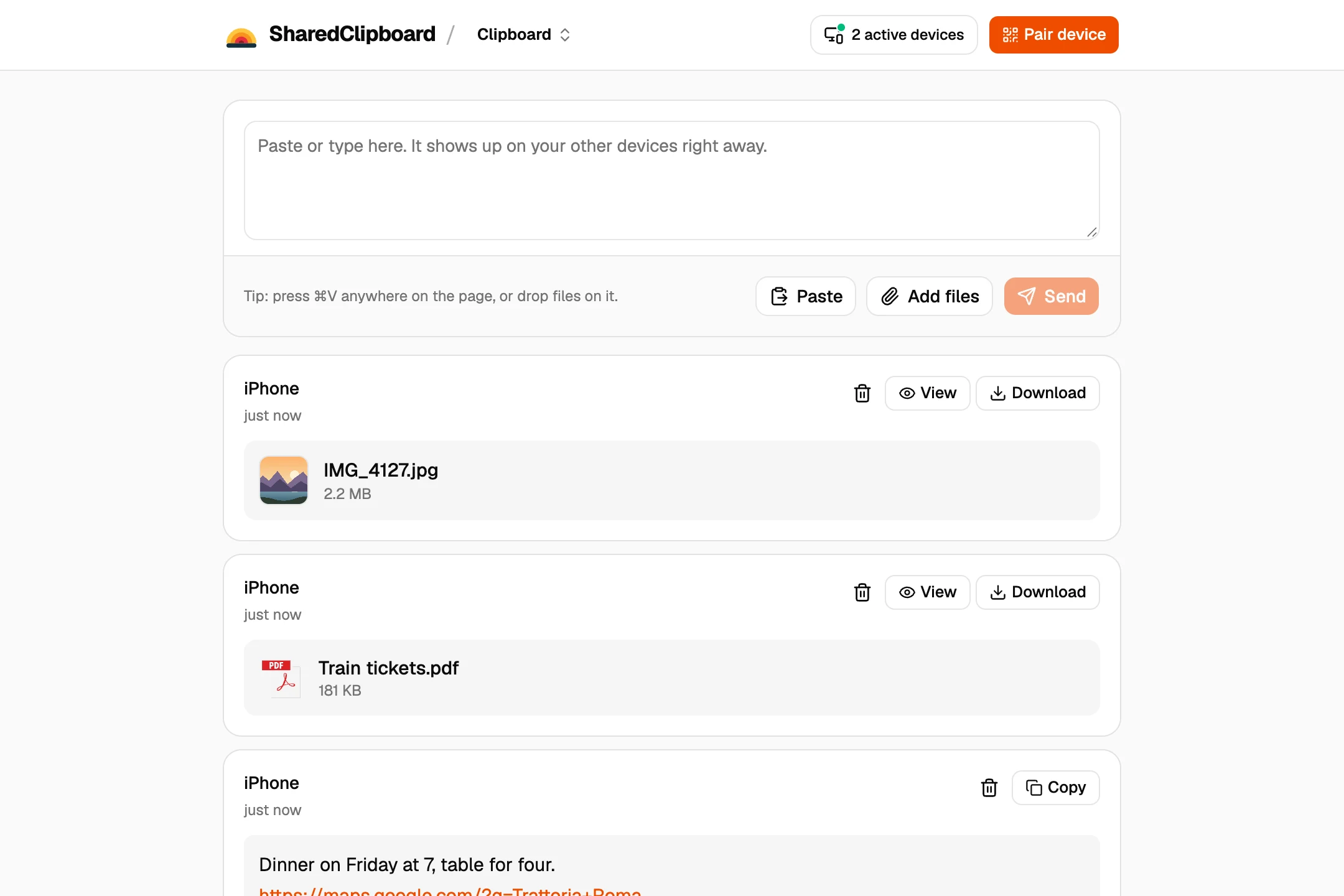
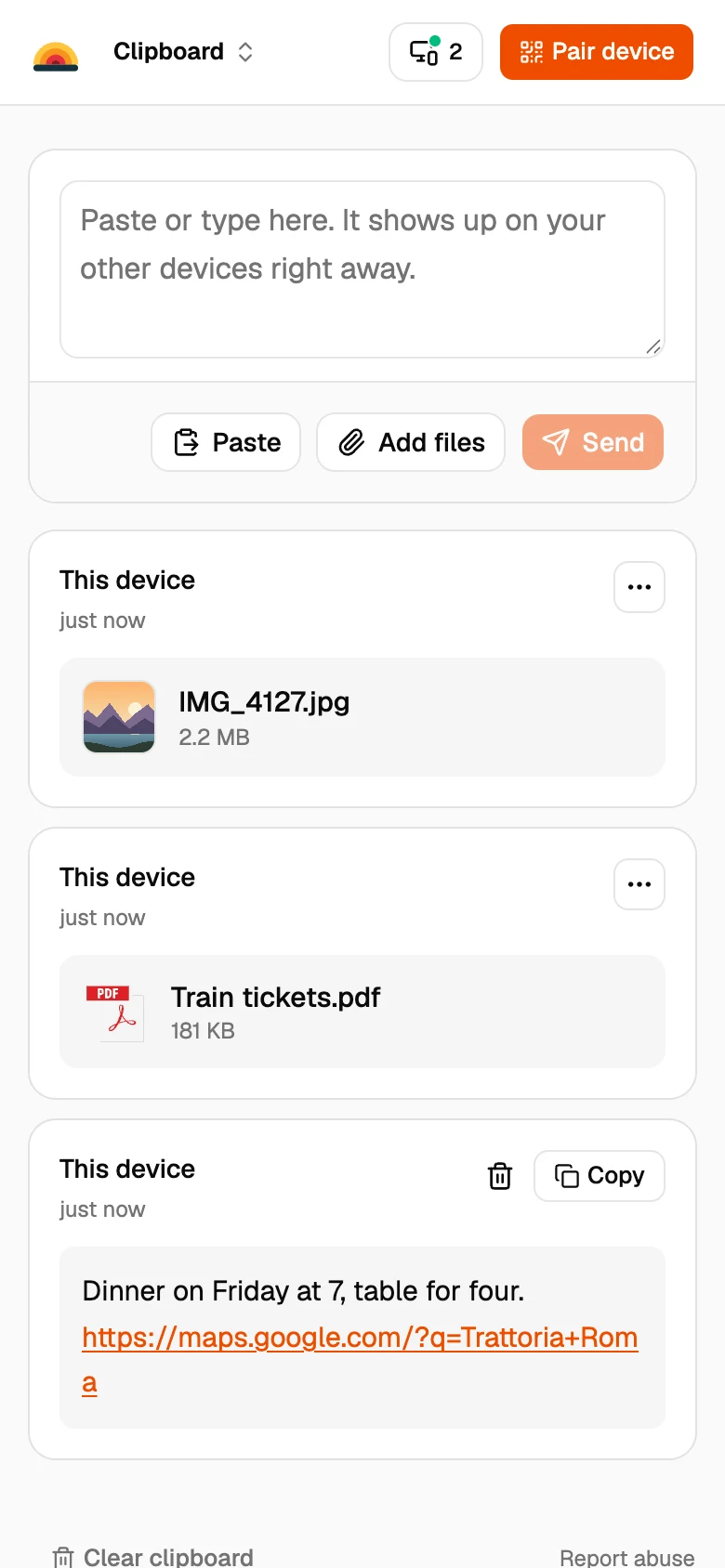
- Add the file on your PC. Click Add files on the PC, or drop files onto the page. On the iPhone, tap the file to view it, or Download to save it to Files.
Other ways to get files onto an iPhone
iTunes or the Apple Devices app
Lets you copy files into apps that support file sharing, and sync music and videos, over a USB cable.
iCloud Drive
Save the file to iCloud Drive on the PC with iCloud for Windows, and it appears in the Files app on the iPhone.
Works for small files if you’re signed in to the same email on both devices.
Good to know
- On the iPhone, downloaded files go to the Downloads folder in the Files app. Photos can be saved to the Photos app from there.
- Both devices need to be online at the same time. Files go straight from one to the other and are never stored on our servers.
- Each file can be up to 100 MB.
- Some work and school networks block direct connections between devices. If a file doesn’t arrive, put both devices on the same Wi‑Fi or use your phone’s hotspot.
Questions
How do I transfer files from my PC to my iPhone without iTunes?
Open the same SharedClipboard link on both, add the file on the PC, and download it on the iPhone. iCloud Drive also works if you use iCloud.
Where do the files go on my iPhone?
Into the Downloads folder in the Files app. From there you can save photos and videos to the Photos app.
Can I send photos from my PC to my iPhone?
Yes. Add them on the PC and they appear on the iPhone. Open one and save it to Photos.
Do I need a cable?
No. Both devices just need to be online.
Updated September 27, 2026