Send pictures from your phone to your computer
- Get a private link on your computer. Open sharedclipboard.com on your computer and click Get a private link. A QR code appears.
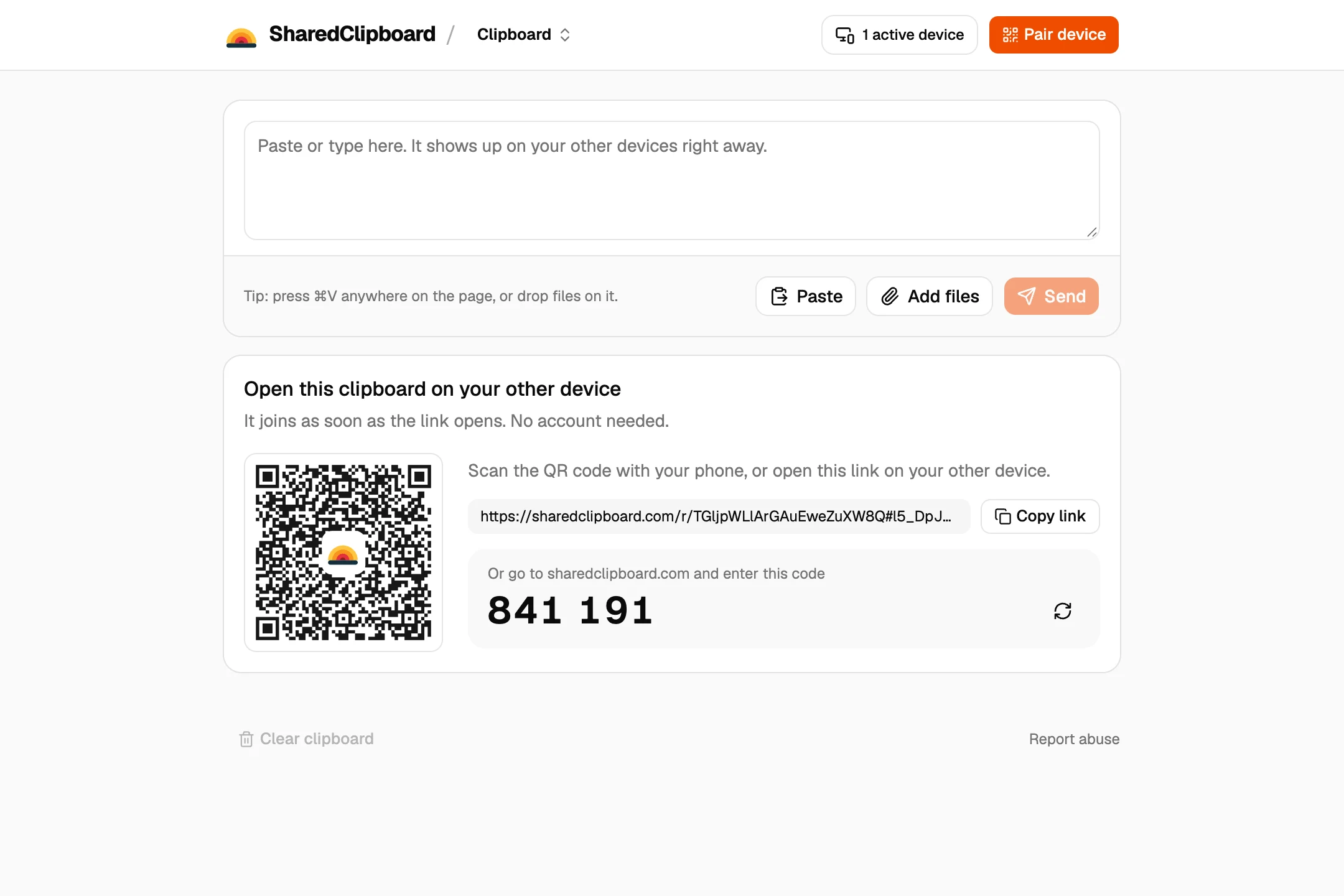
- Open it on your phone. Point the camera at the code and tap the link. The same clipboard opens in the browser, with nothing to install.
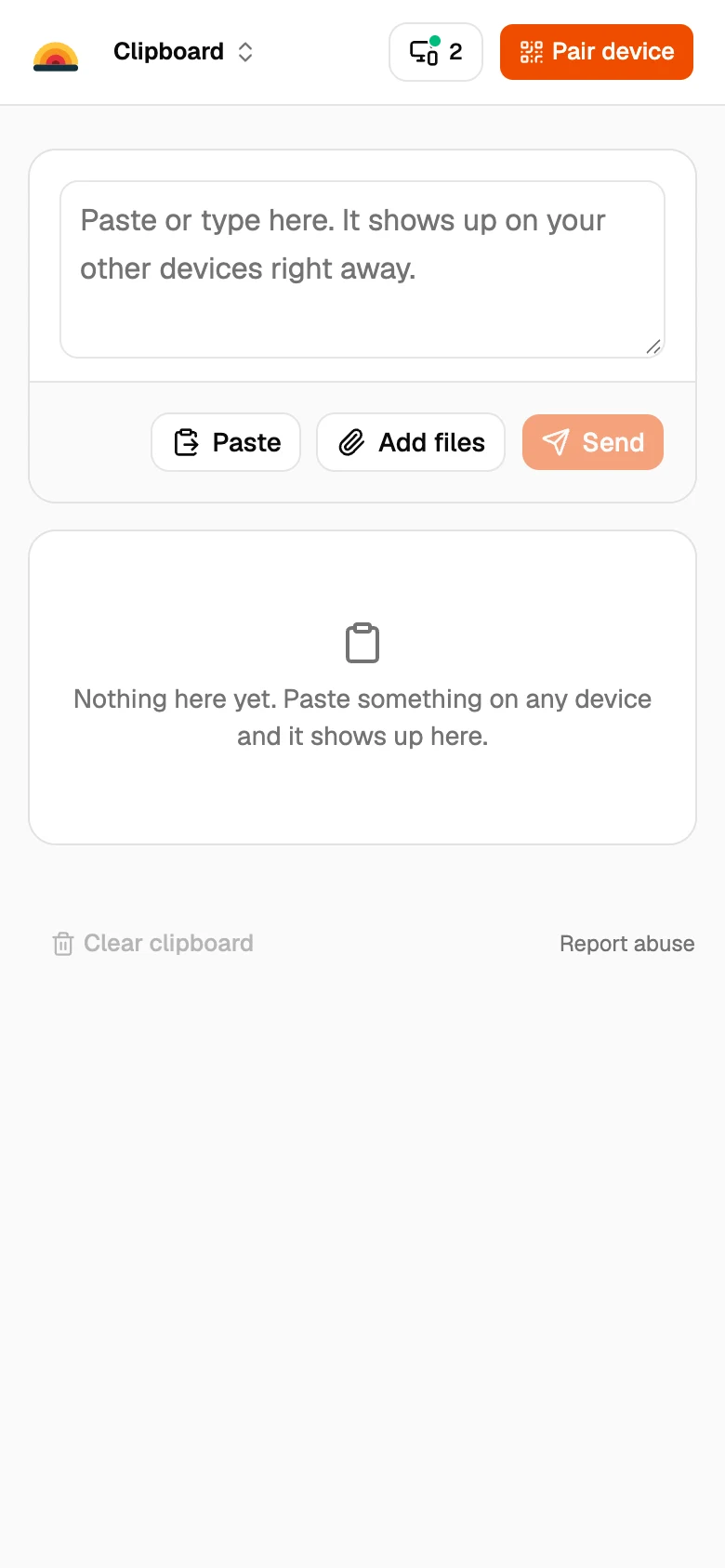
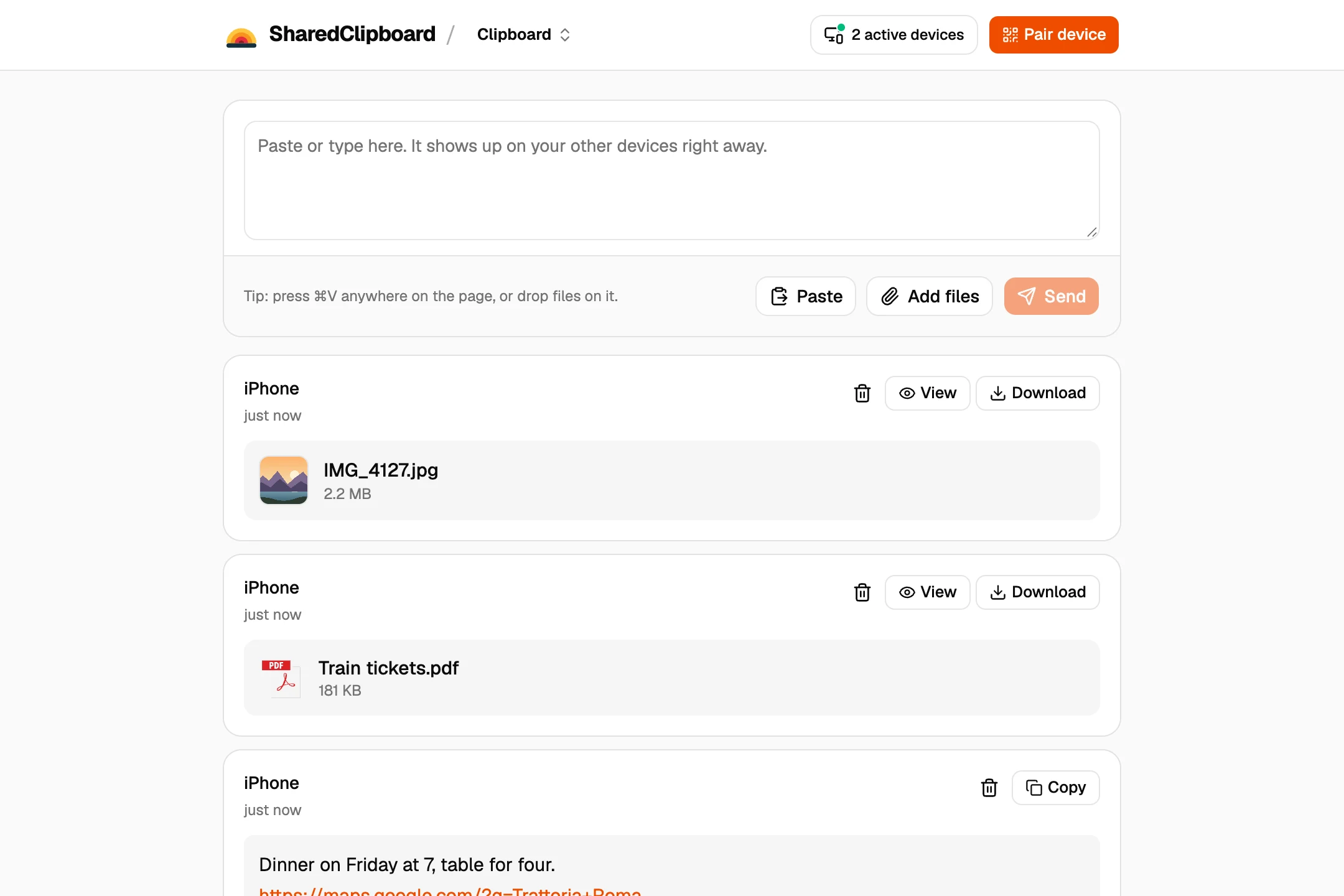
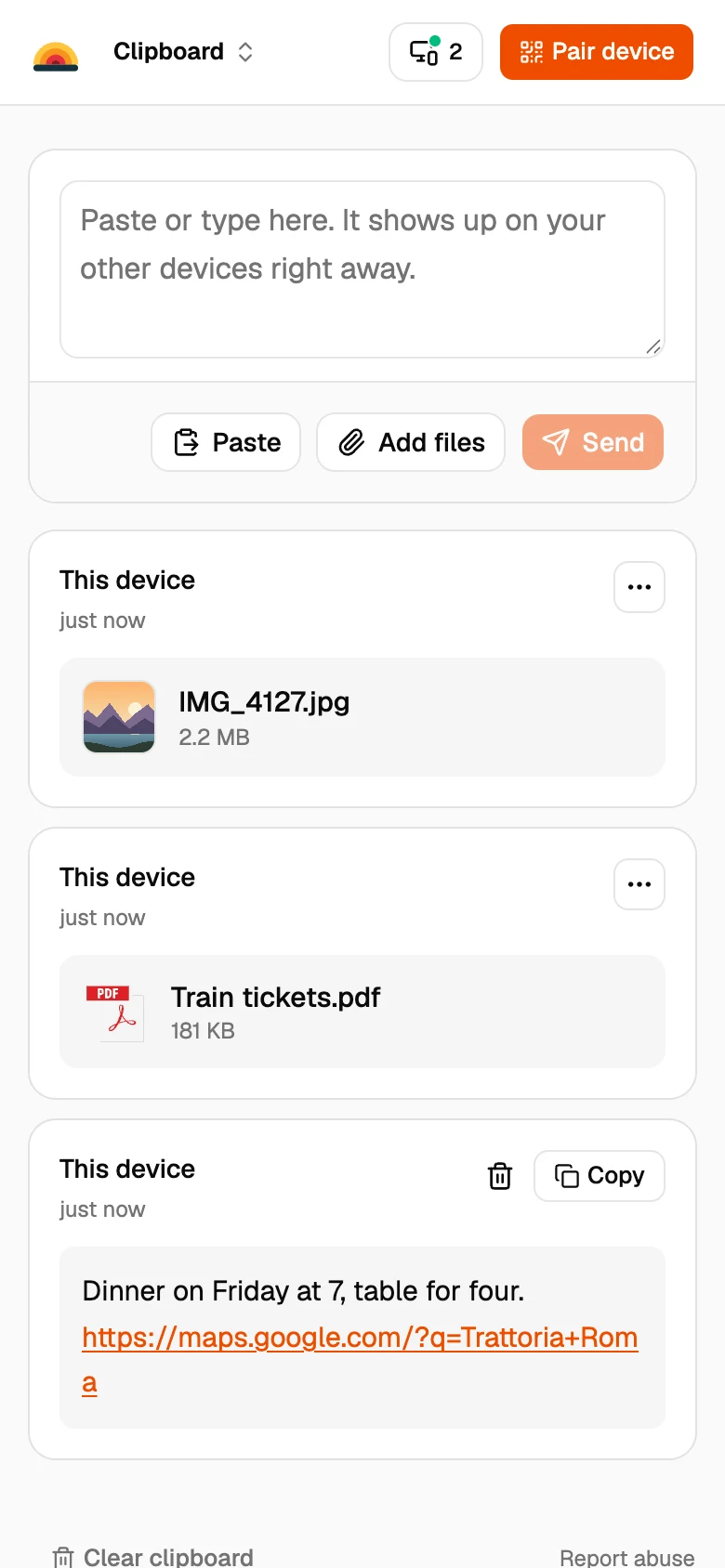
- Add your pictures. Tap Add files on your phone and pick what you want to send. It shows up on your computer a moment later, and Download saves it.
The built-in ways, by device
iPhone and Mac
AirDrop is the quickest. Open the photo, tap Share, then AirDrop and your Mac.
iPhone and Windows PC
Use a USB cable and the Photos app on Windows, or iCloud for Windows if you use iCloud Photos.
Android and Windows PC
Use Quick Share for Windows, or a USB cable with File transfer turned on in the phone’s USB notification.
Android and Mac
There is no built-in way. A browser tool like SharedClipboard, or a USB app for Mac, does the job.
Good to know
- Sending a whole folder? Zip it first with OnlineArchiver, a free tool that works in the browser, then add the zip file.
- Both devices need to be online at the same time. Files go straight from one to the other and are never stored on our servers.
- Each file can be up to 100 MB. For a whole photo library, a cable is faster.
- Some work and school networks block direct connections between devices. If a file doesn’t arrive, put both devices on the same Wi‑Fi or use your phone’s hotspot.
- Videos, PDFs and other files work the same way as photos.
- Sending photos to someone else later? The free photo metadata remover takes out the location first.
- Not sure a photo arrived at full size? Compare it with the original using the free image size checker.
Questions
How do I send pictures from my phone to my computer?
Open the same SharedClipboard link on both, tap Add files on the phone, and download the pictures on the computer.
Does it work with both iPhone and Android?
Yes, and with Windows, Mac, Linux and Chromebook. It runs in the browser.
Will the photos lose quality?
No. SharedClipboard sends the original file without compressing it.
What about thousands of photos?
For a whole photo library, a USB cable is faster. SharedClipboard is best for a handful at a time.
Updated September 27, 2026