Send photos from your iPhone to your iPad
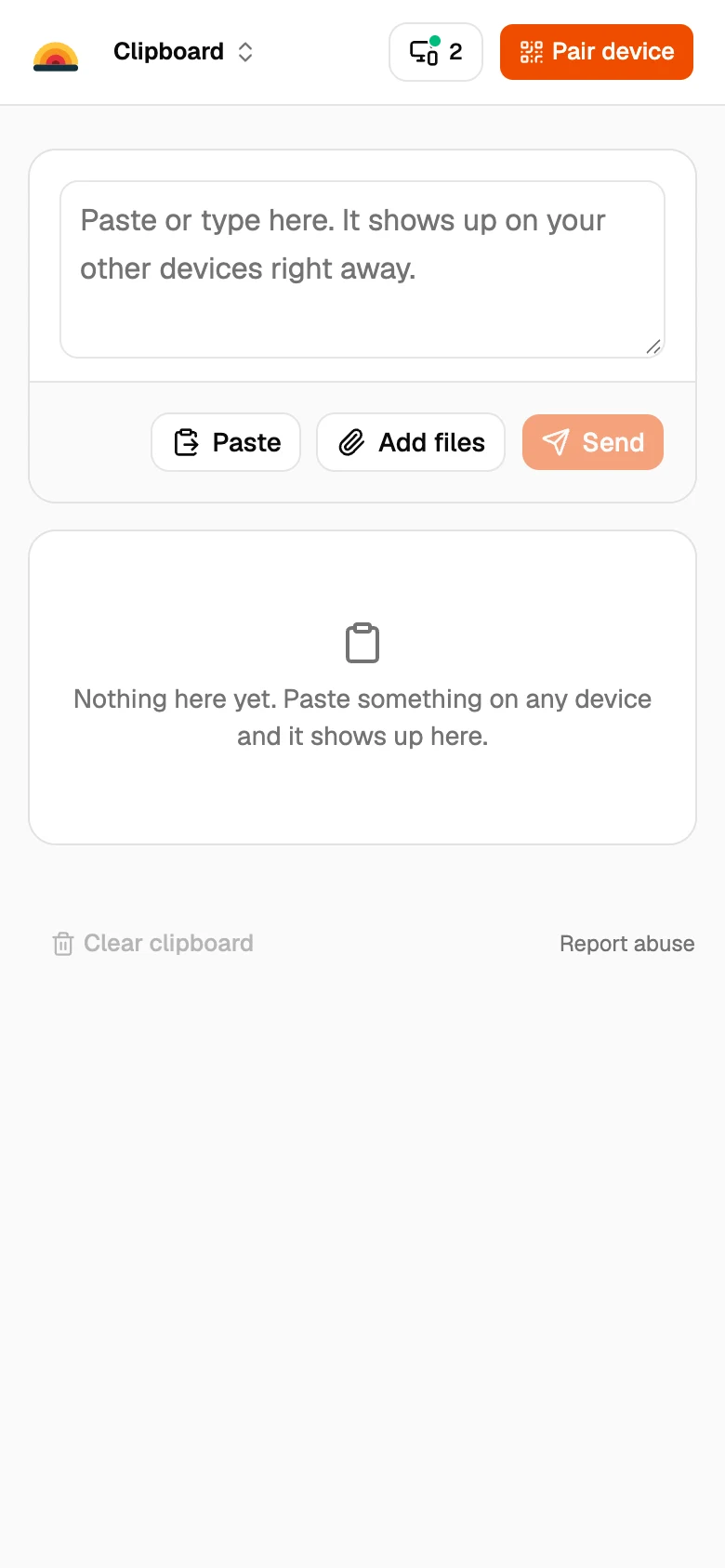
- Get a private link on your iPad. Open sharedclipboard.com in Safari on the iPad and tap Get a private link. A QR code appears.
- Scan it with your iPhone. Point the iPhone camera at the code on the iPad and tap the link.
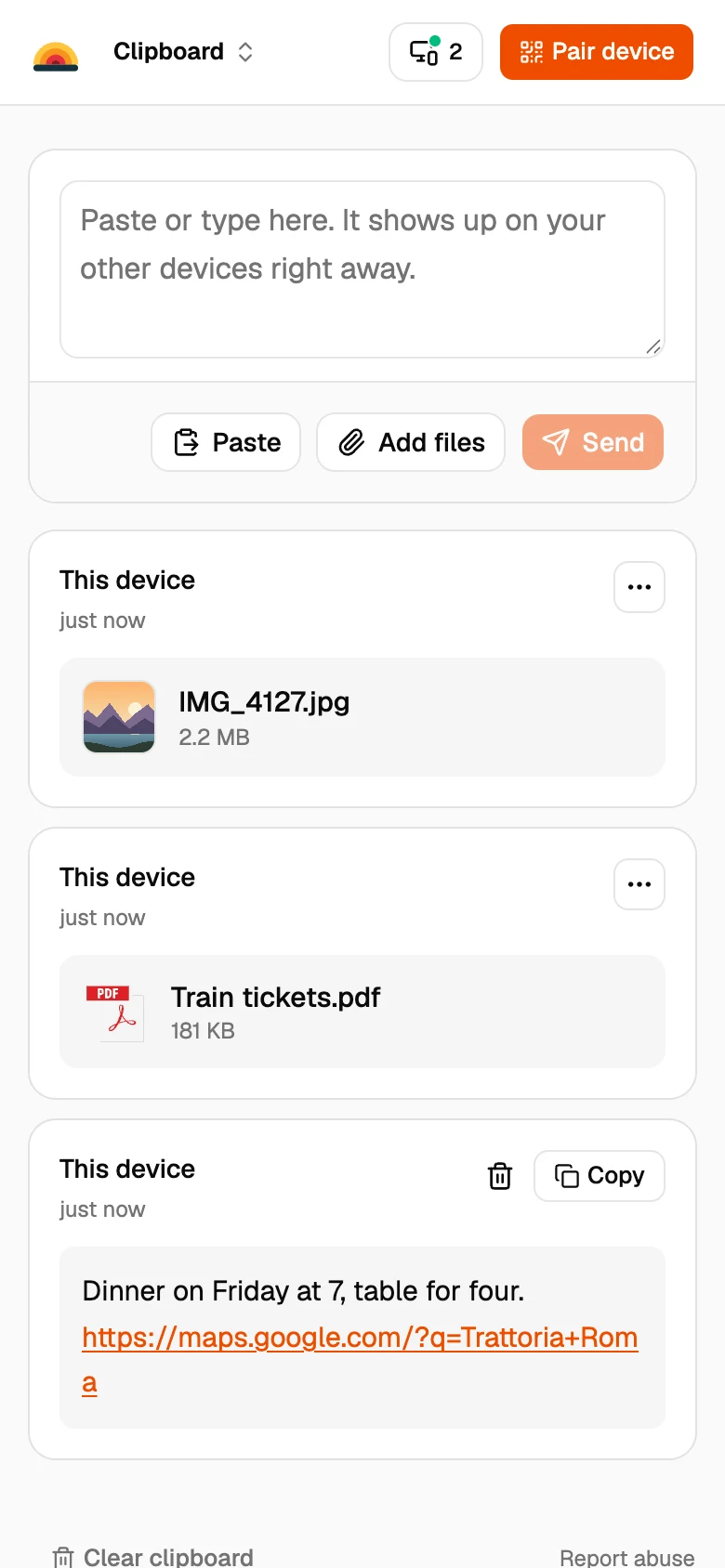
- Add your photos. Tap Add files on the iPhone and pick the photos. They show up on the iPad a moment later.
The built-in ways
AirDrop
Turn on Wi‑Fi and Bluetooth on both. On the iPad, set AirDrop to Everyone for 10 Minutes in Control Center, then share from Photos on the iPhone.
iCloud Photos
If both use the same Apple Account with iCloud Photos on, photos appear on the iPad on their own.
Good to know
- Photos are sent as the original files, without compression.
- Both devices need to be online at the same time. Files go straight from one to the other and are never stored on our servers.
- Each file can be up to 100 MB.
- Some work and school networks block direct connections between devices. If a file doesn’t arrive, put both devices on the same Wi‑Fi or use your phone’s hotspot.
Questions
Why won’t my iPad show up in AirDrop?
Usually Wi‑Fi or Bluetooth is off, or the iPad only accepts AirDrop from contacts. Set it to Everyone for 10 Minutes and try again.
How do I transfer photos from iPhone to iPad without iCloud?
Use AirDrop, or open the same SharedClipboard on both and add the photos on the iPhone.
Do the photos lose quality?
No. SharedClipboard sends the original files.
Updated September 27, 2026