Send files between Linux and Windows
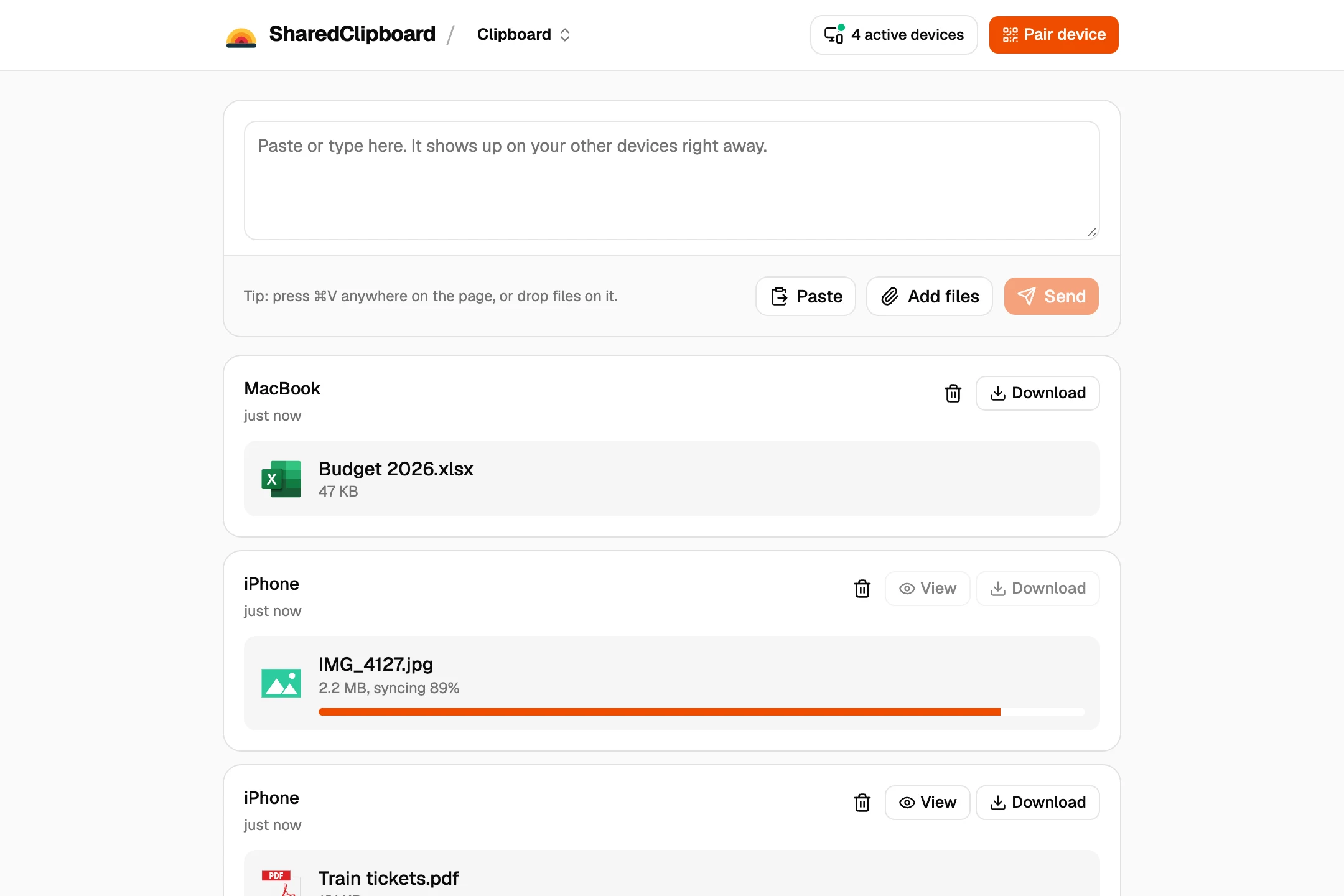
- Get a private link on one computer. Open sharedclipboard.com and click Get a private link. A QR code and a 6‑digit code appear.
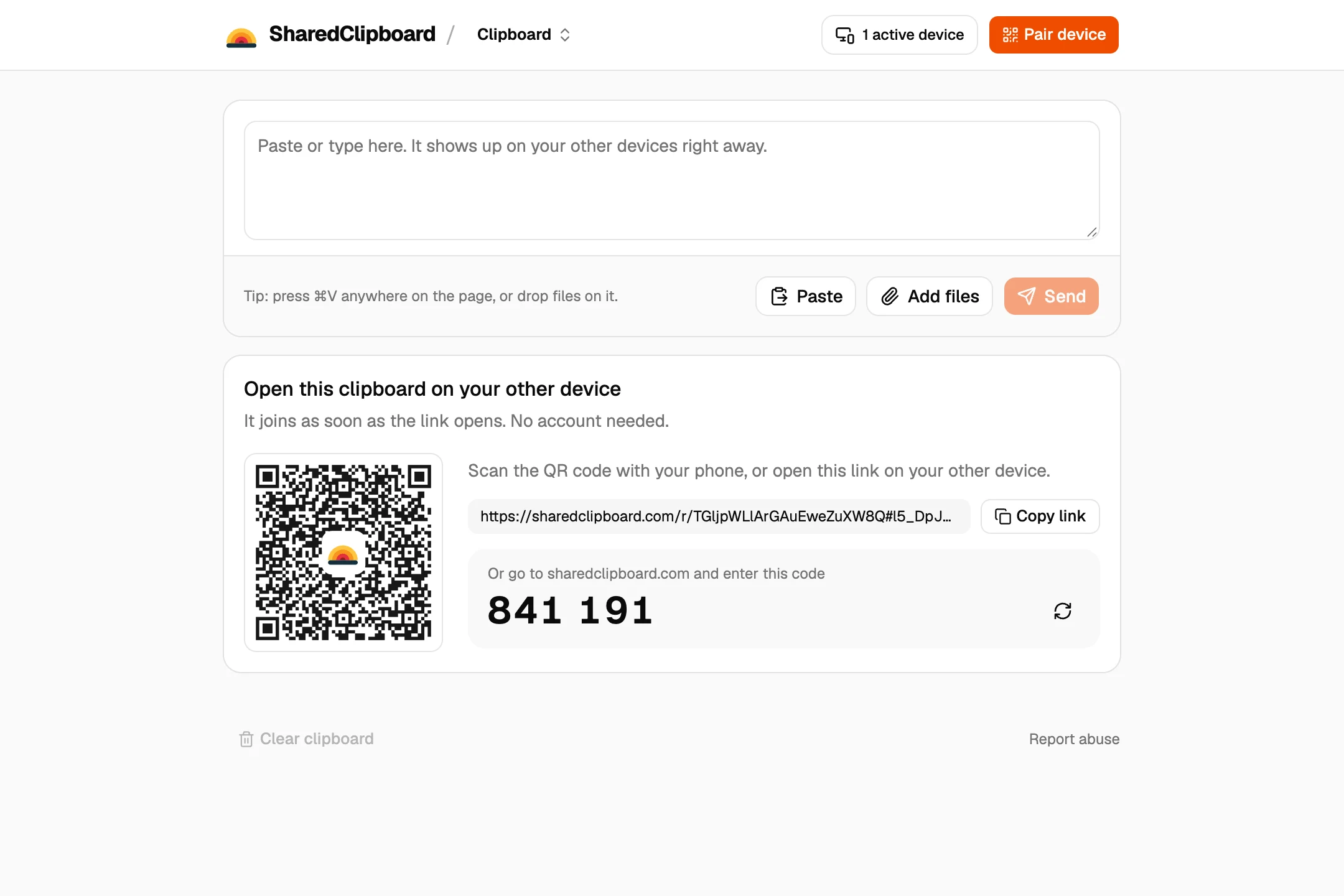
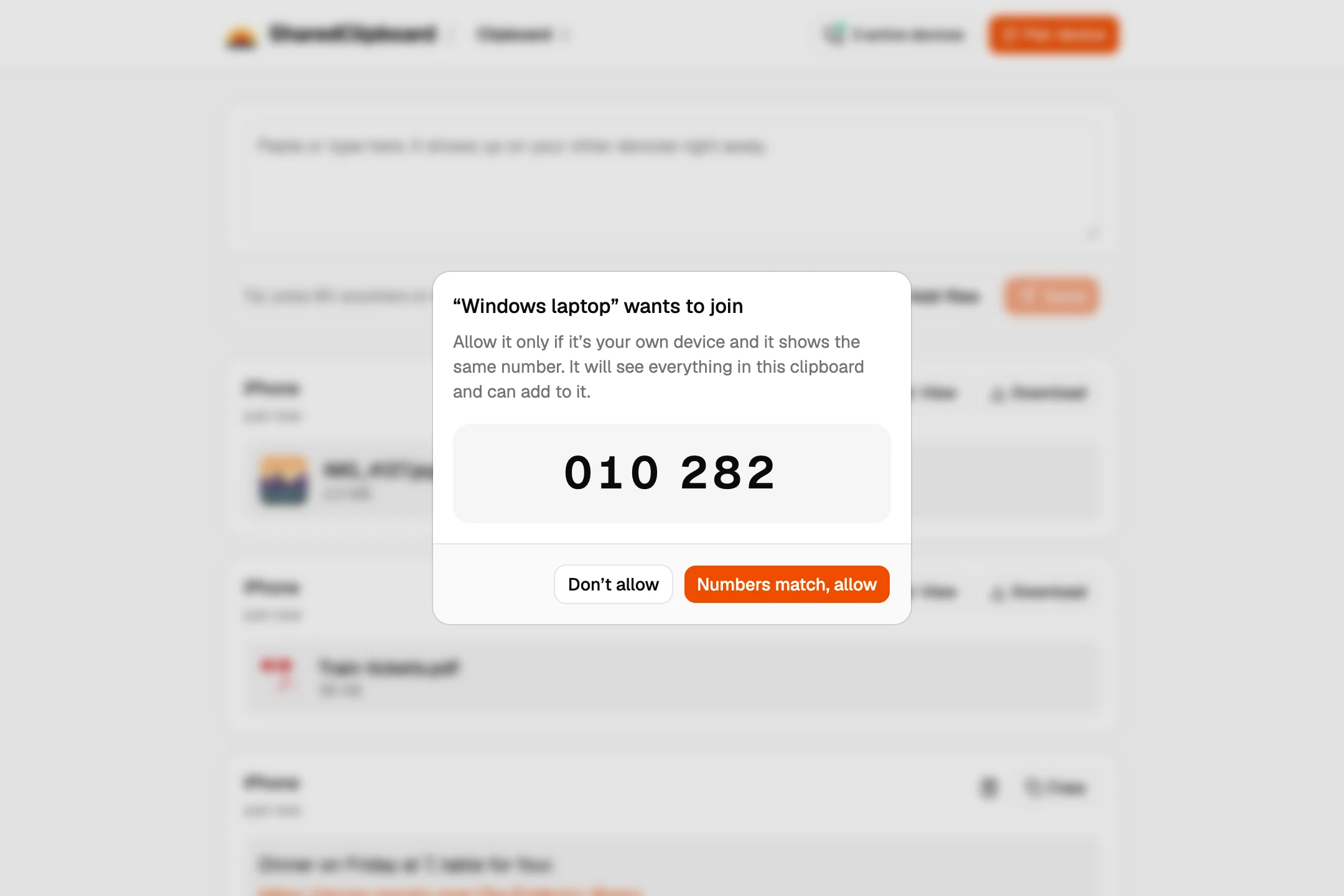
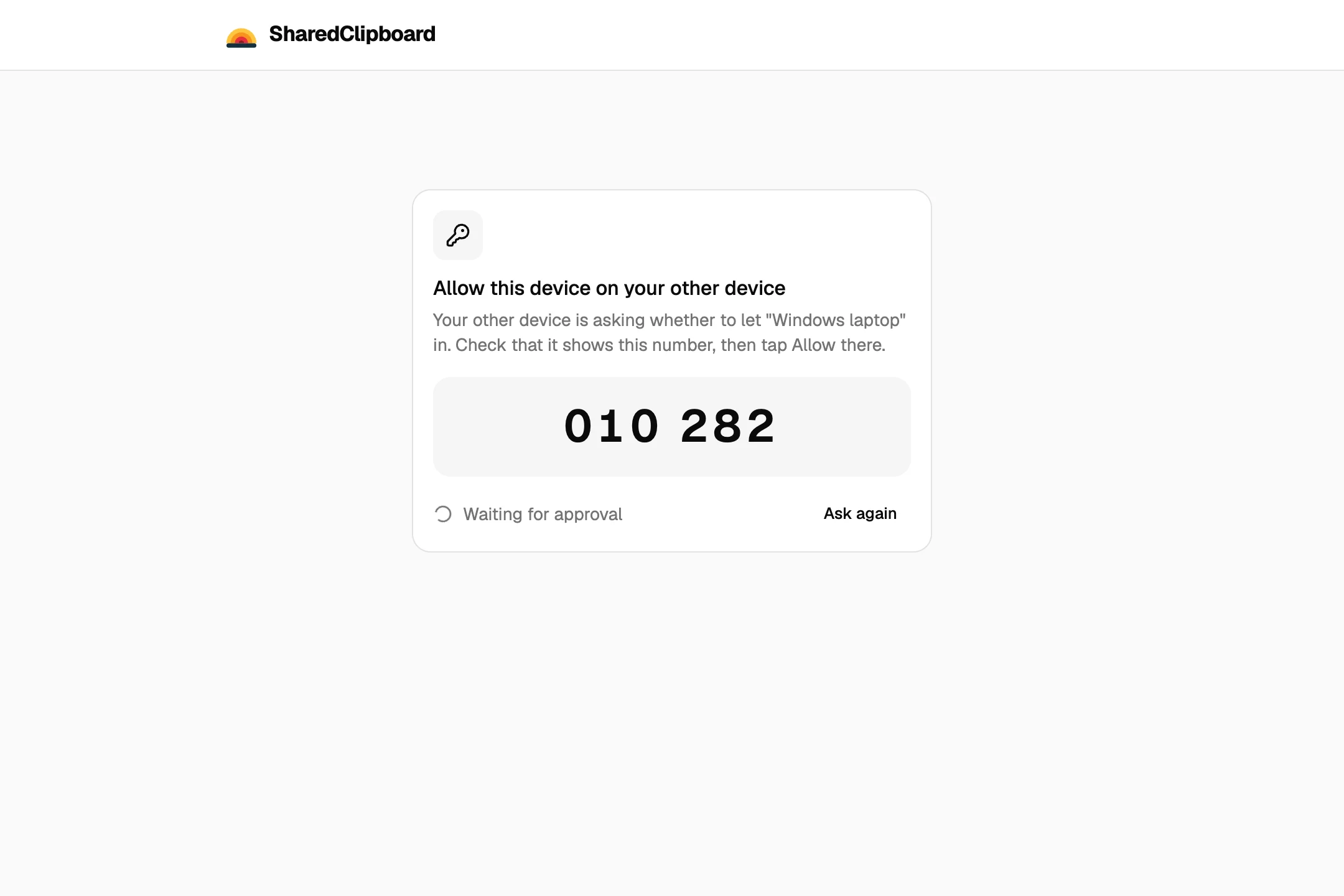
- Open it on the other. Open sharedclipboard.com on the second computer and type the 6‑digit code. Check that both screens show the same safety number, then click Allow on the first one.
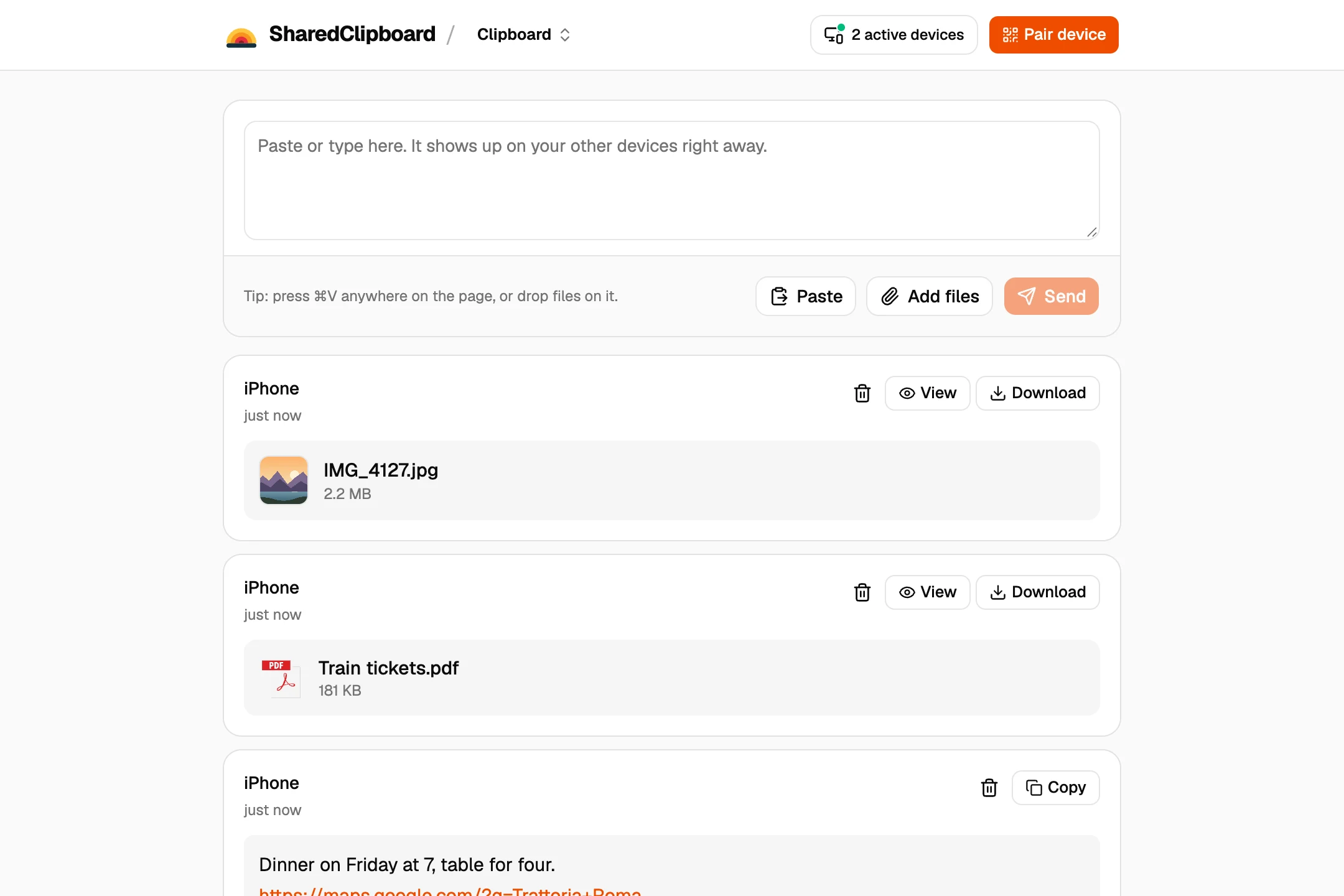
- Add the files. Add files on either computer, or drop them onto the page. They show up on the other one, and Download saves them.
Other ways to move files between Linux and Windows
A Samba share
Share a folder from the Linux machine with Samba, or from Windows, and open it from the other. Good for regular use on the same network.
SFTP
If the Linux machine runs an SSH server, WinSCP on Windows can copy files over SFTP.
LocalSend
A free, open source app for both. Install it on each; they need to be on the same Wi‑Fi.
A USB drive
Format it as exFAT and both can read and write it.
Good to know
- Sending a whole folder? Zip it first with OnlineArchiver, a free tool that works in the browser, then add the zip file.
- Both devices need to be online at the same time. Files go straight from one to the other and are never stored on our servers.
- Each file can be up to 100 MB.
- Some work and school networks block direct connections between devices. If a file doesn’t arrive, put both devices on the same Wi‑Fi or use your phone’s hotspot.
- Text works too, which is handy for commands, config snippets and links.
Questions
How do I transfer files from Linux to Windows without a USB drive?
Open the same SharedClipboard on both and add the files on one. For regular transfers on one network, a Samba share works well.
Do I need Samba or SSH?
Not for SharedClipboard. It runs in the browser, with nothing to set up on either machine.
Does it work in Firefox on Linux?
Yes. It works in any modern browser, including Firefox and Chrome.
Updated September 27, 2026