Send files from one Linux computer to another
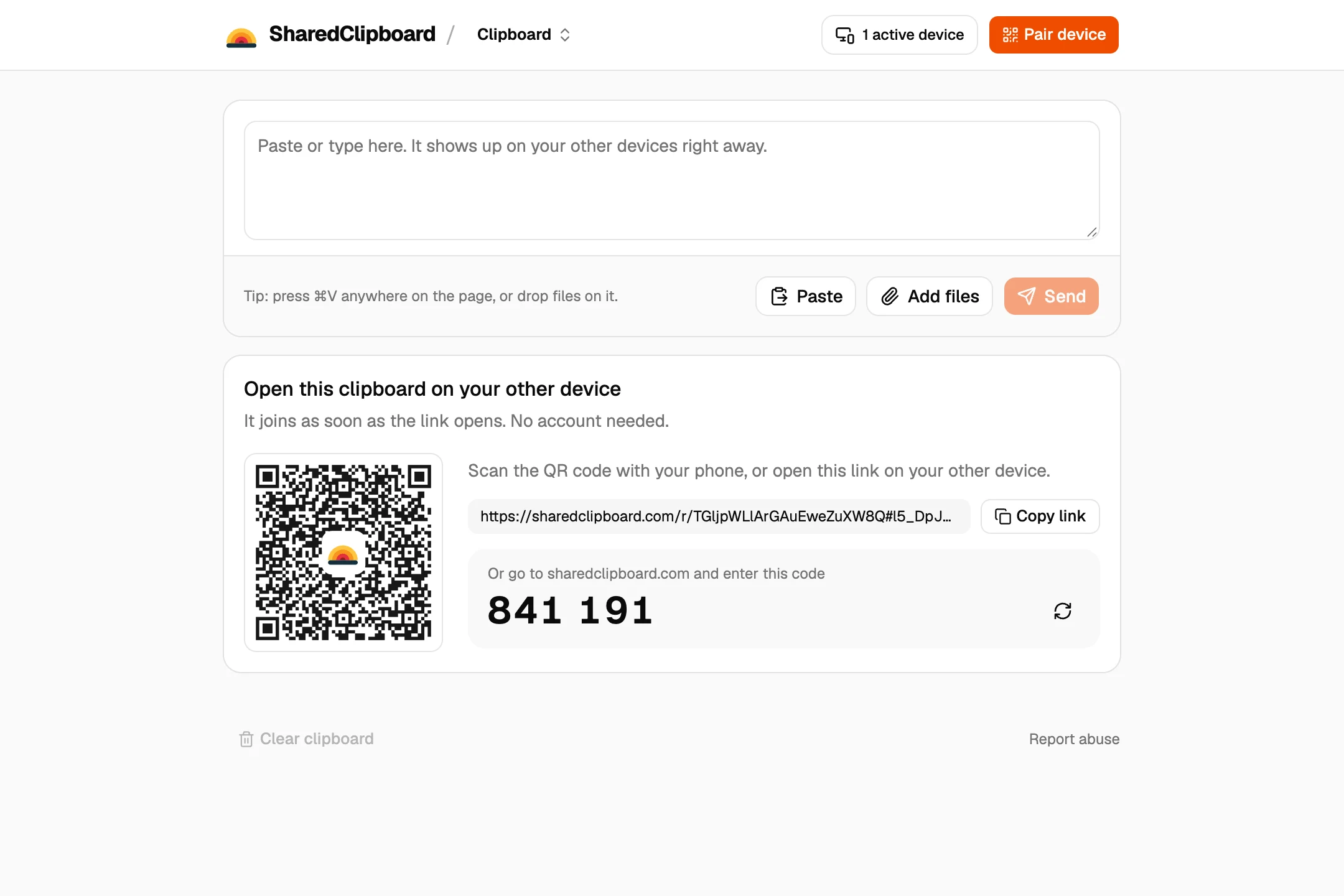
- Create a clipboard on one computer. Open sharedclipboard.com in Firefox or Chromium and click Create clipboard, then Connect device. A QR code and a 6‑digit code appear.
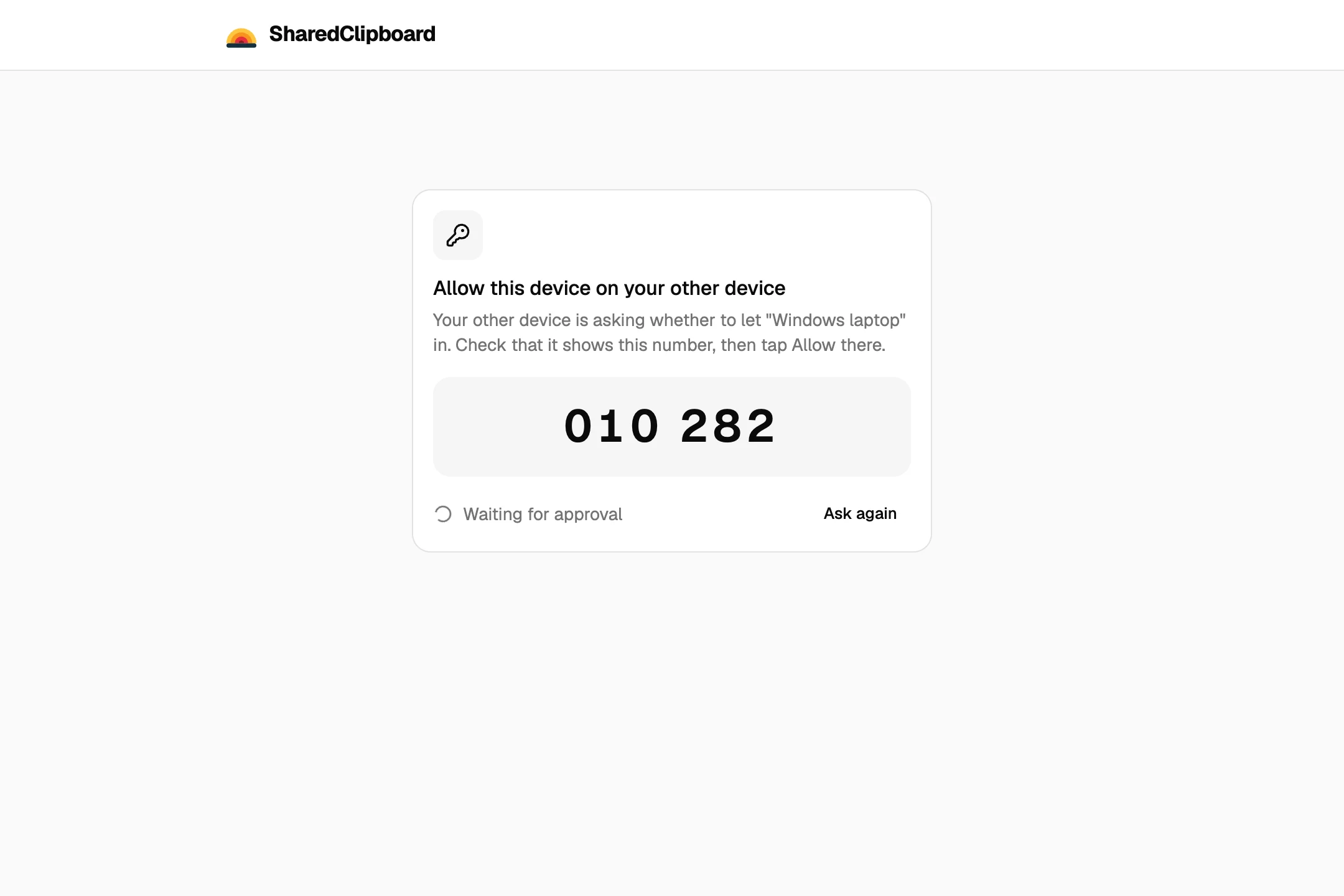
- Open it on the other. Open sharedclipboard.com on the second computer and type the 6‑digit code. Check that both screens show the same safety number, then click Allow on the first one.

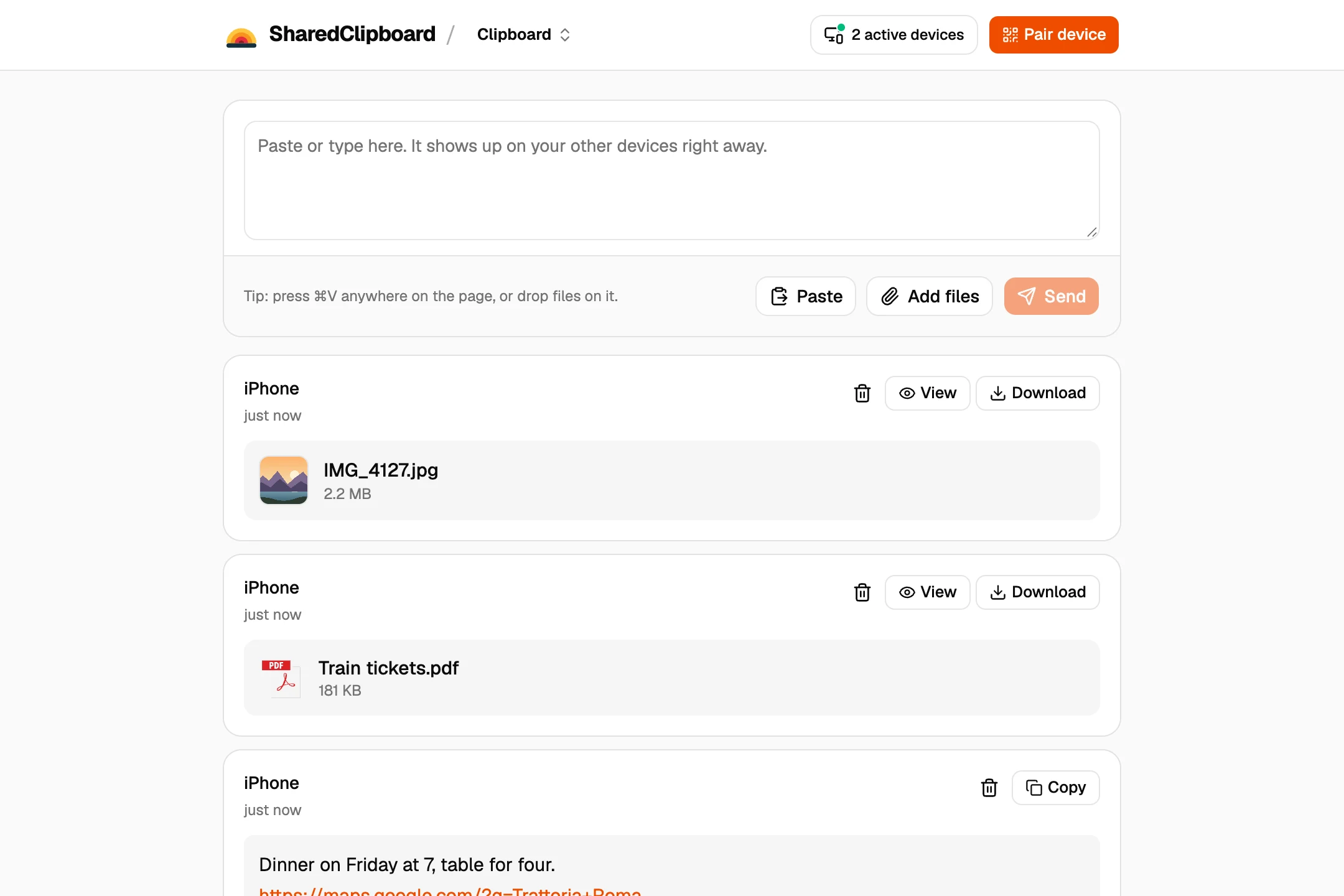
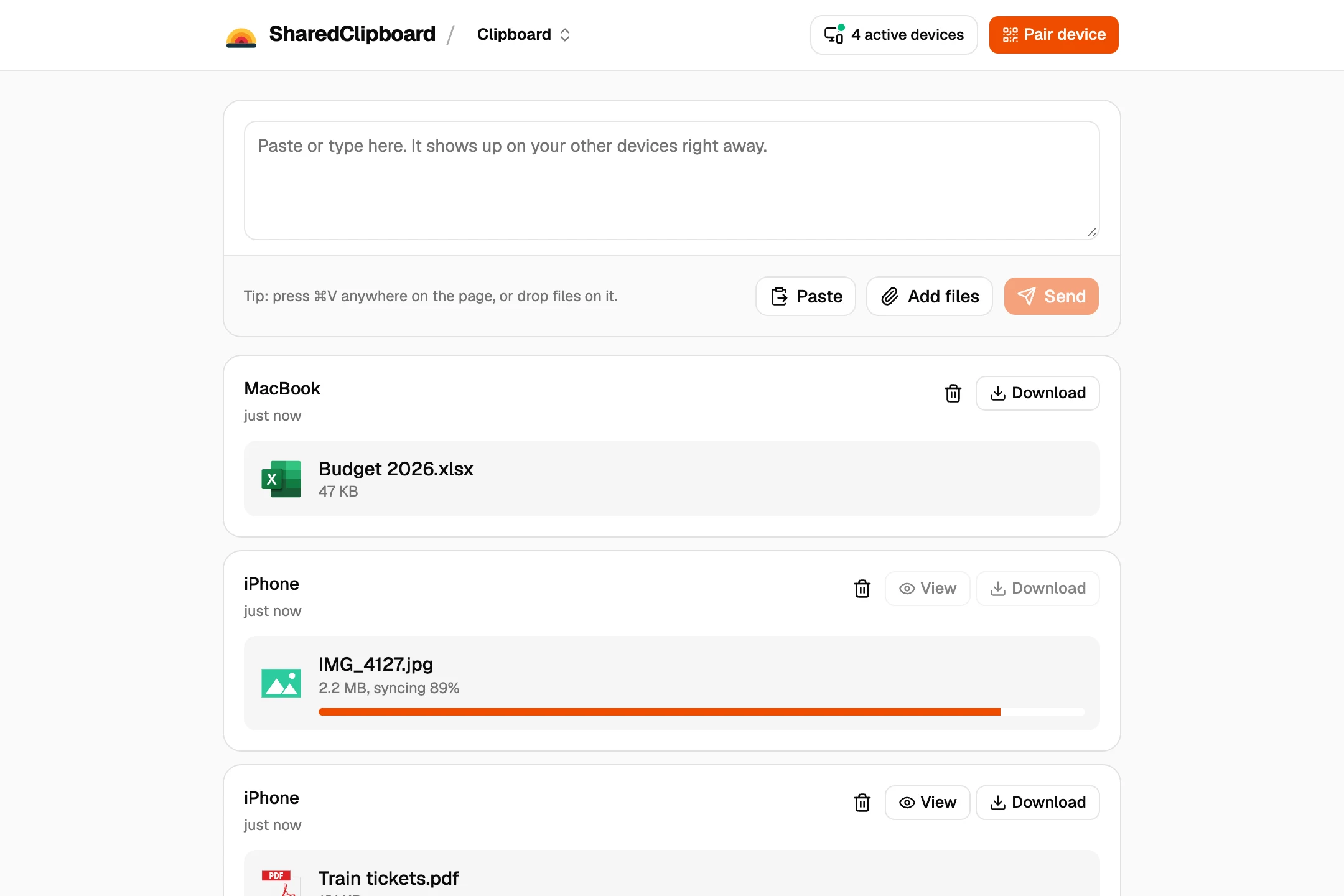
- Add the files. Share files on either computer, or drop them onto the page. They show up on the other one, and Download saves them.
Other ways to move files between Linux computers
scp or rsync
If one machine runs an SSH server, scp copies files from the terminal, and rsync is better for big folders or copying again later.
Warpinator
Linux Mint’s tool for sending files to computers on the same network. Other distributions can install it from Flathub.
A Samba or NFS share
Share a folder on one machine and mount it on the other. Worth setting up if you move files every day on one network.
LocalSend
A free, open source app for Linux and most other systems. Install it on both; they need to be on the same Wi‑Fi.
Good to know
- Sending a whole folder? Zip it first with OnlineArchiver, a free tool that works in the browser, then add the zip file.
- Both devices need to be online at the same time. Files go straight from one to the other and are never stored on our server.
- Each file can be up to 100 MB. For whole home folders, rsync or a USB drive is faster.
- Some work and school networks block direct connections between devices. If a file doesn’t arrive, put both devices on the same Wi‑Fi or use your phone’s hotspot.
- Text works too, which is handy for commands, config files and SSH public keys.
Questions
How do I transfer files from one Linux computer to another?
Open the same SharedClipboard on both and add the files on one. If both have SSH, scp and rsync work well from the terminal.
Can I transfer files between Linux machines without SSH?
Yes. SharedClipboard runs in the browser, with no SSH server, Samba share or firewall rules to set up.
Do both computers need to be on the same network?
No. They only need to be online at the same time, at home, at work or in different places.
Does it work on Ubuntu, Fedora and Linux Mint?
Yes. It works in any modern browser, such as Firefox or Chromium, on any distribution.
Updated October 2, 2026