Send files between your Mac and your PC
- Get a private link on your Mac. Open sharedclipboard.com and click Get a private link. A QR code and a 6‑digit code appear.
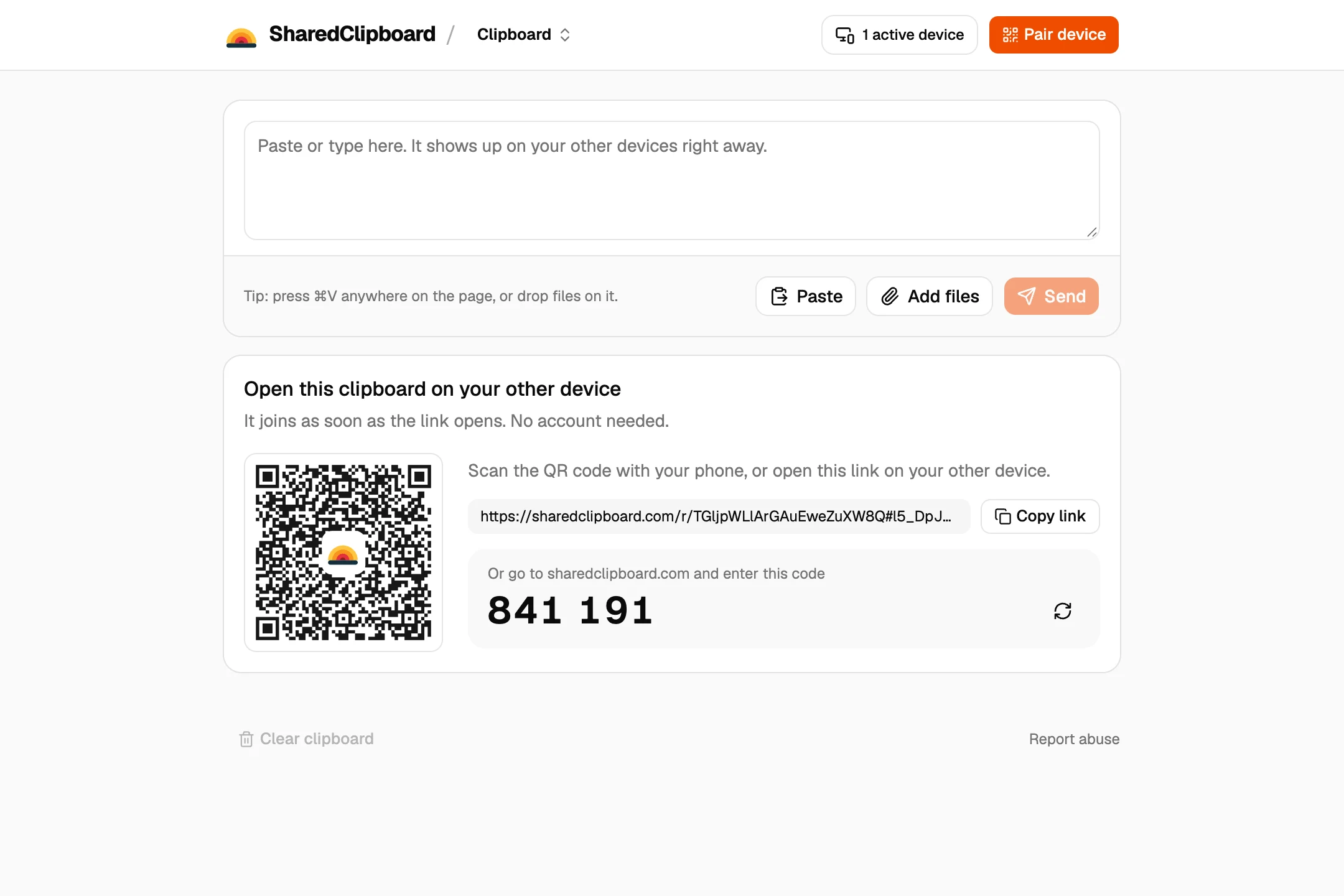
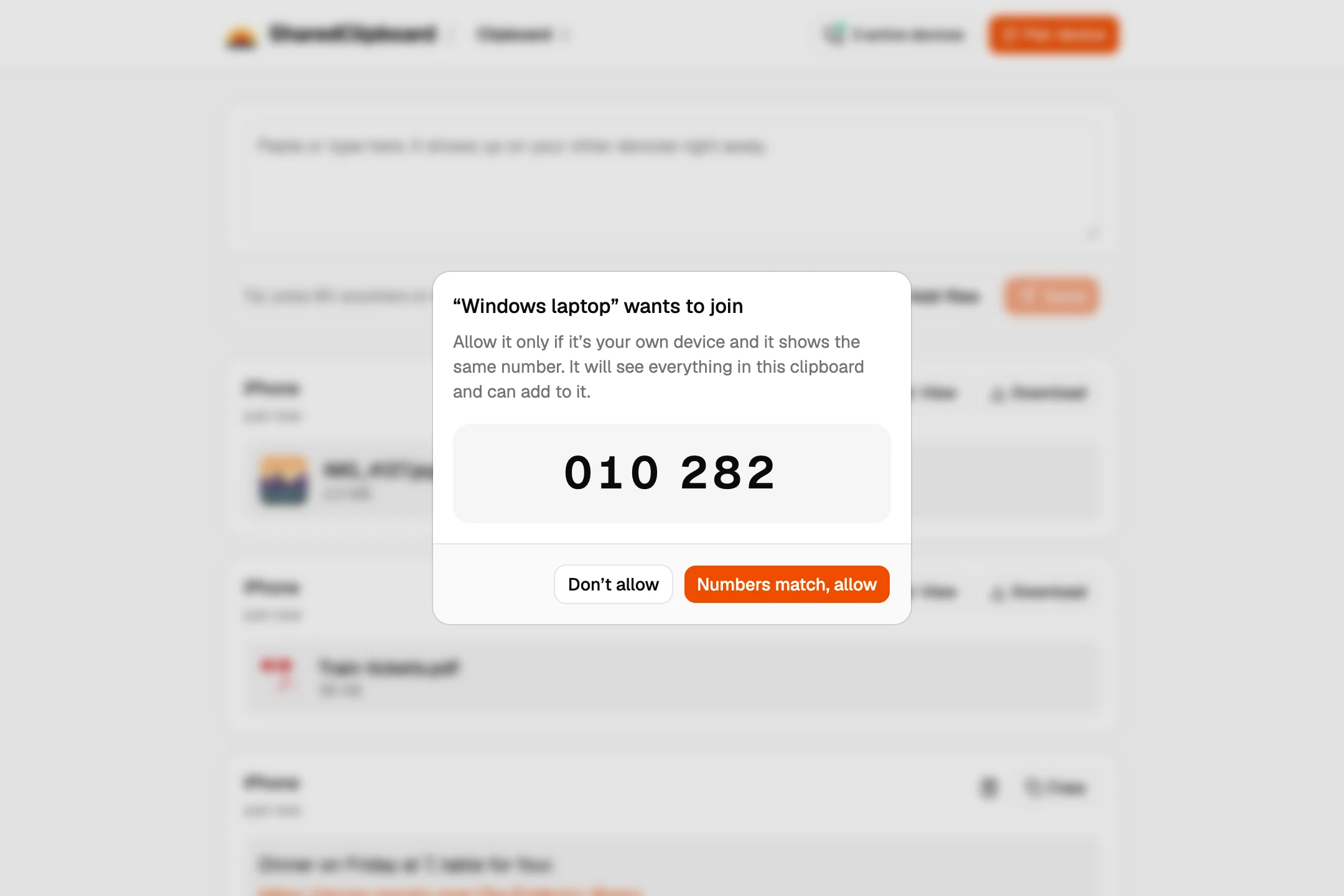
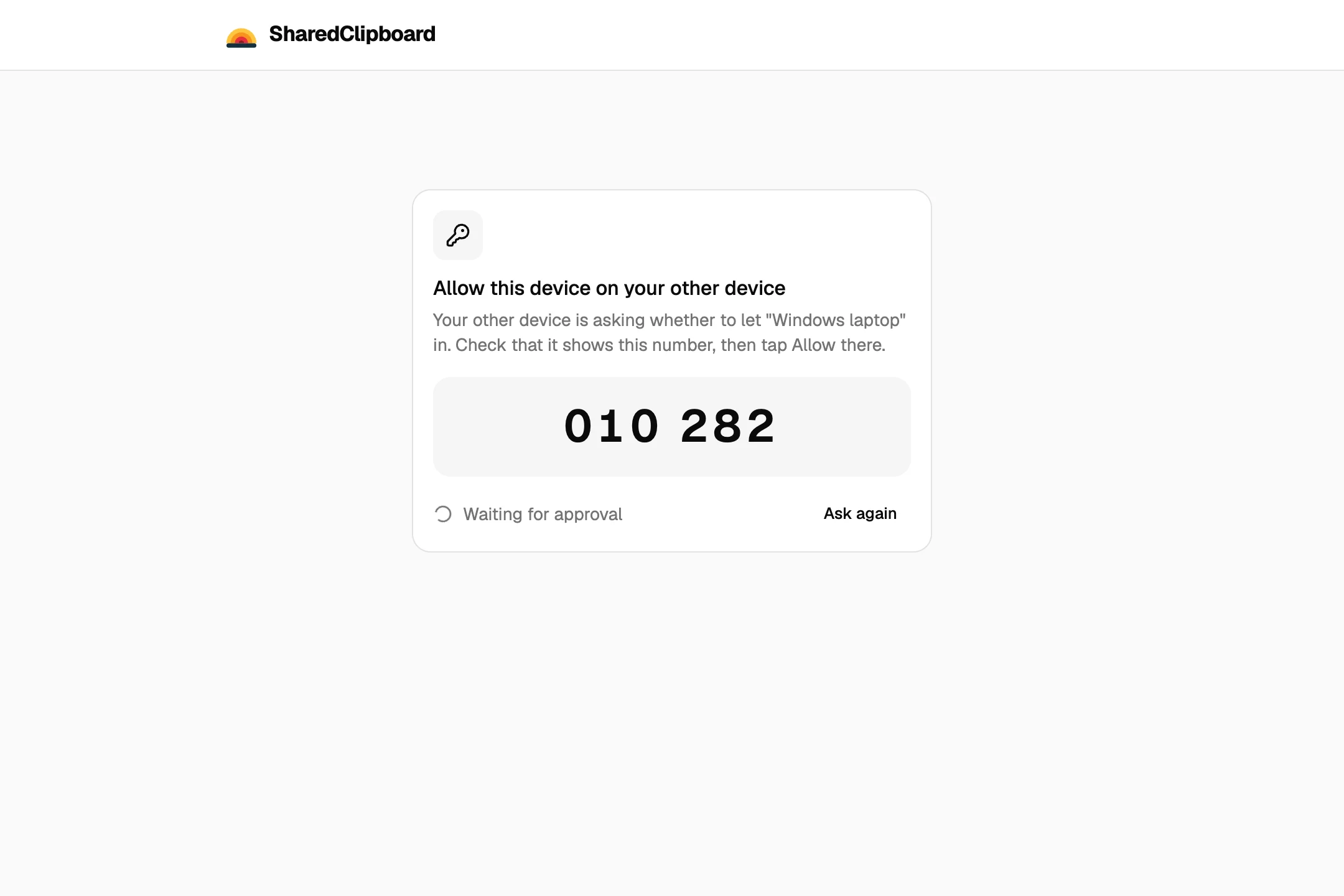
- Open it on your PC. Open sharedclipboard.com on the PC and type the 6‑digit code. Check that both screens show the same safety number, then click Allow on the Mac.
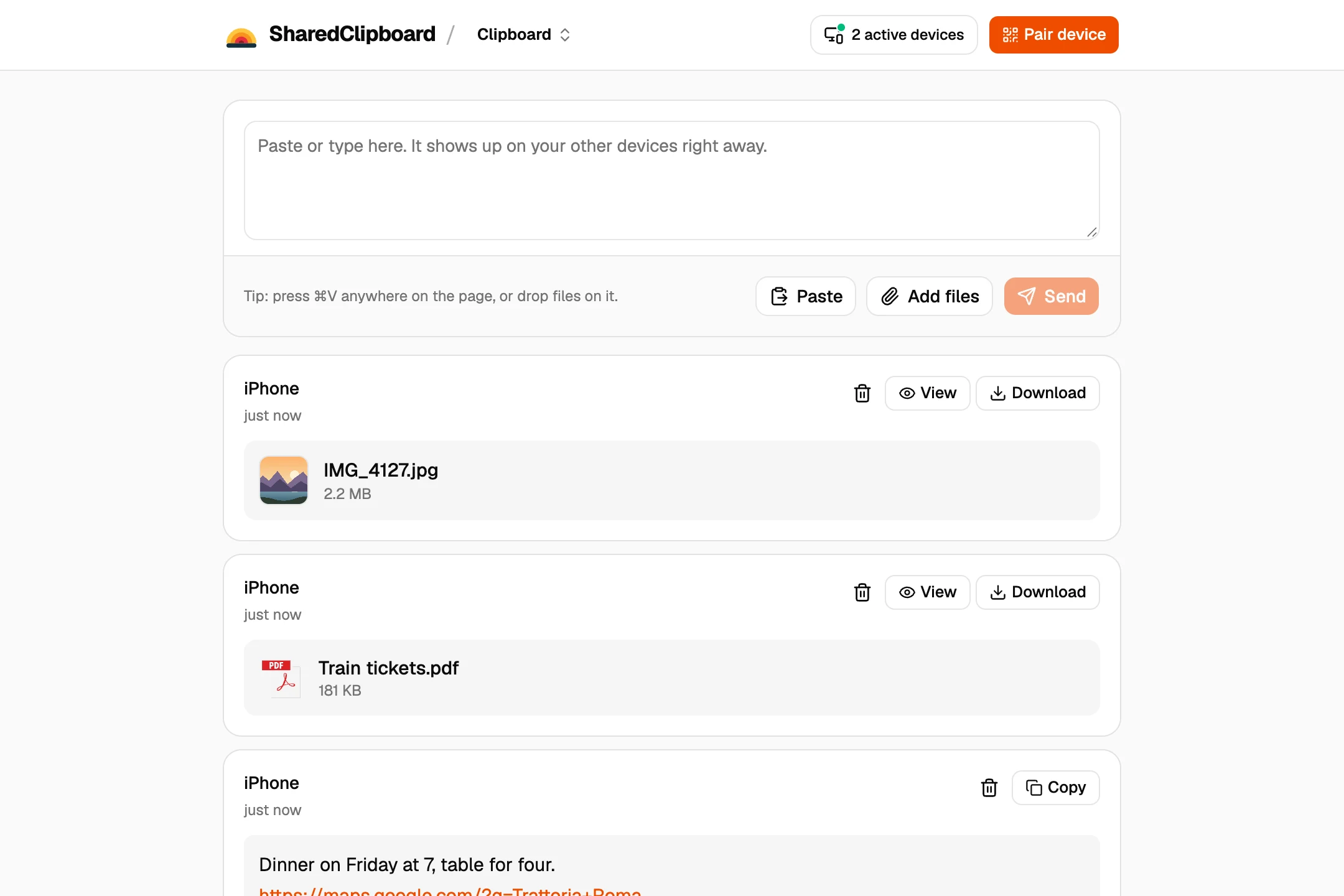
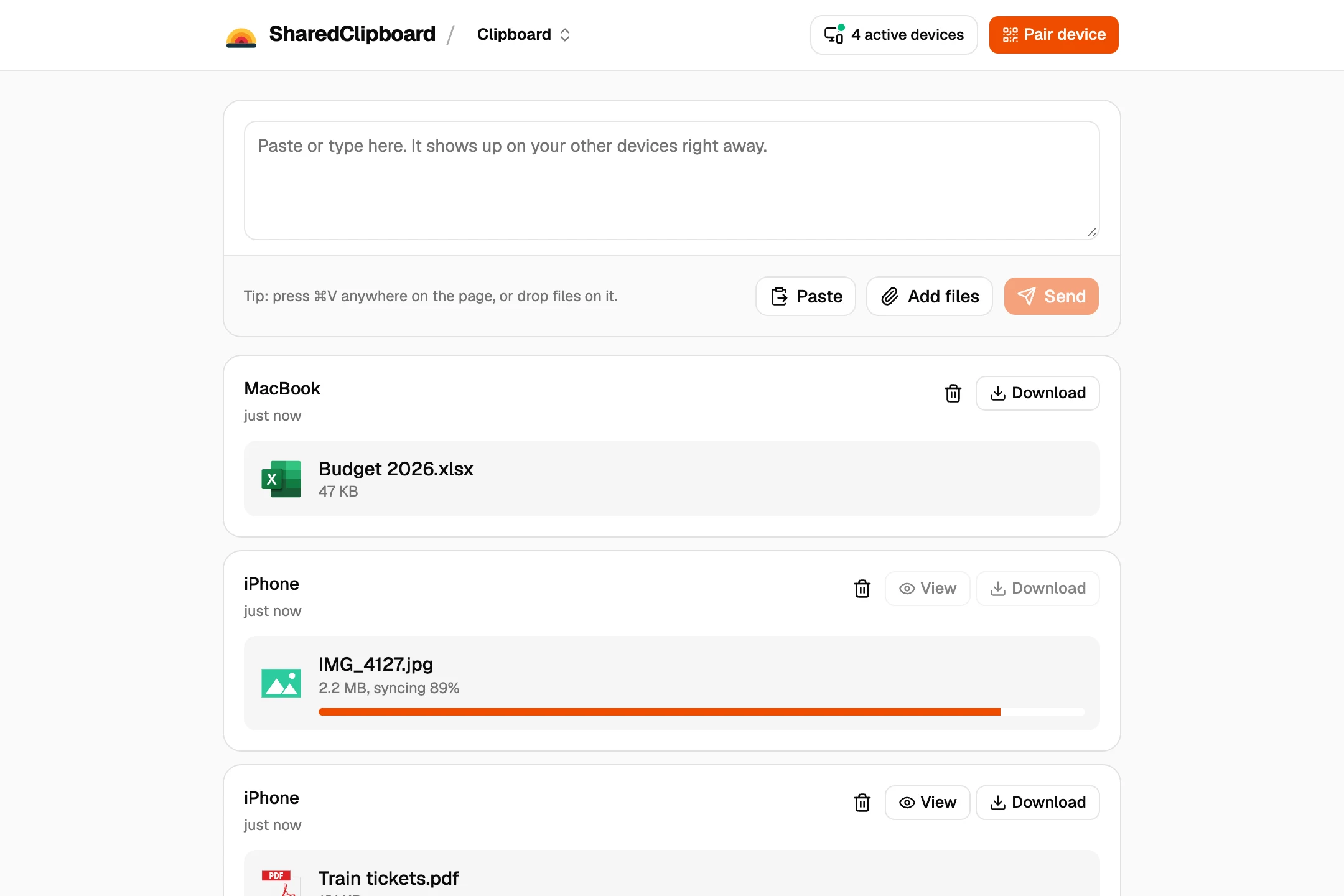
- Add the files. Add files on either computer, or drop them onto the page. They show up on the other one, and Download saves them.
Other ways to move files between Mac and Windows
A USB drive formatted as exFAT
macOS and Windows can both read and write exFAT drives, so one drive works on both.
File Sharing on the same network
Turn on File Sharing on the Mac in System Settings, General, Sharing, then connect to it from File Explorer on the PC. It takes some setting up.
A cloud drive
iCloud Drive, OneDrive and Google Drive all have apps for both. Good for files you want to keep, slower for a quick send.
Good to know
- Sending a whole folder? Zip it first with OnlineArchiver, a free tool that works in the browser, then add the zip file.
- Both devices need to be online at the same time. Files go straight from one to the other and are never stored on our servers.
- Each file can be up to 100 MB.
- Some work and school networks block direct connections between devices. If a file doesn’t arrive, put both devices on the same Wi‑Fi or use your phone’s hotspot.
- Text and links work too: paste on the Mac, copy on the PC.
- Numbers spreadsheets won’t open on Windows. The free Numbers to Excel converter turns them into Excel files in the browser.
Questions
Can I AirDrop from a Mac to a Windows PC?
No. AirDrop only works between Apple devices. Use a browser tool like SharedClipboard, an exFAT USB drive, or a shared folder.
How do I transfer files from Mac to PC without a USB drive?
Open the same SharedClipboard on both, add the files on the Mac, and download them on the PC.
What format should a USB drive be for both Mac and PC?
exFAT. Both macOS and Windows can read and write it, and it handles large files.
Do I need to install anything?
No. SharedClipboard runs in Safari, Chrome, Edge or Firefox.
Updated September 27, 2026