Send files from one PC to another
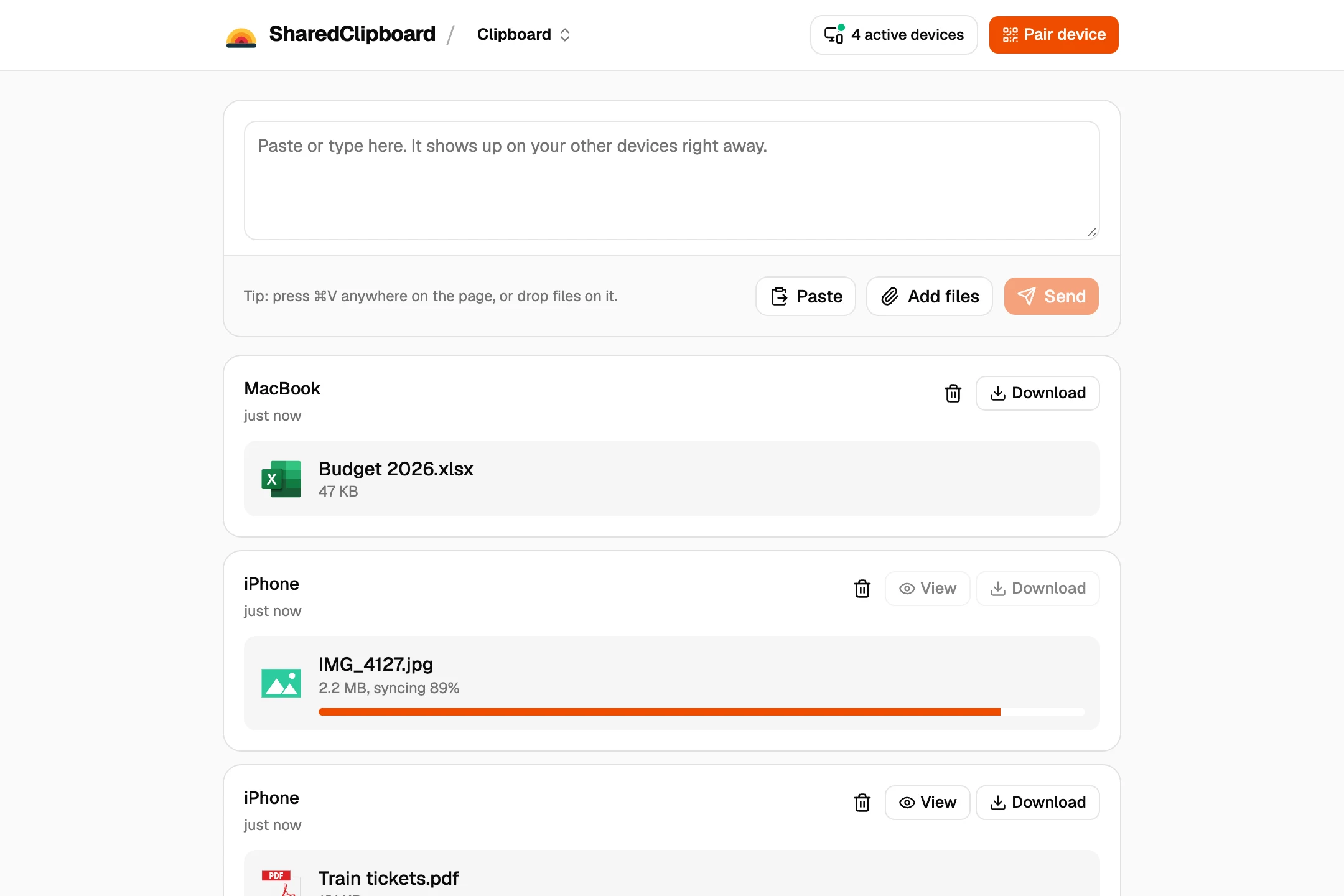
- Get a private link on the first PC. Open sharedclipboard.com and click Get a private link. A QR code and a 6‑digit code appear.
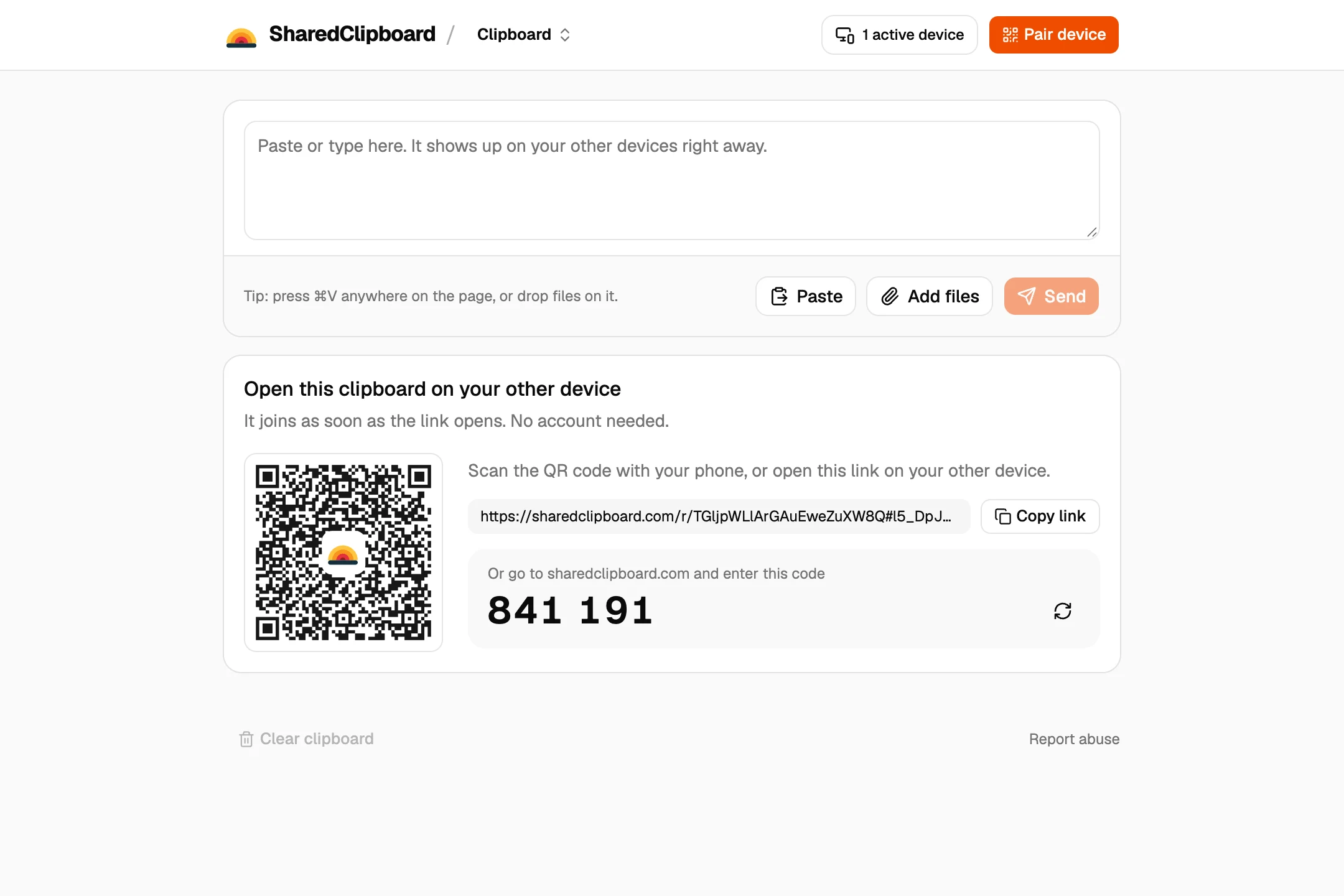
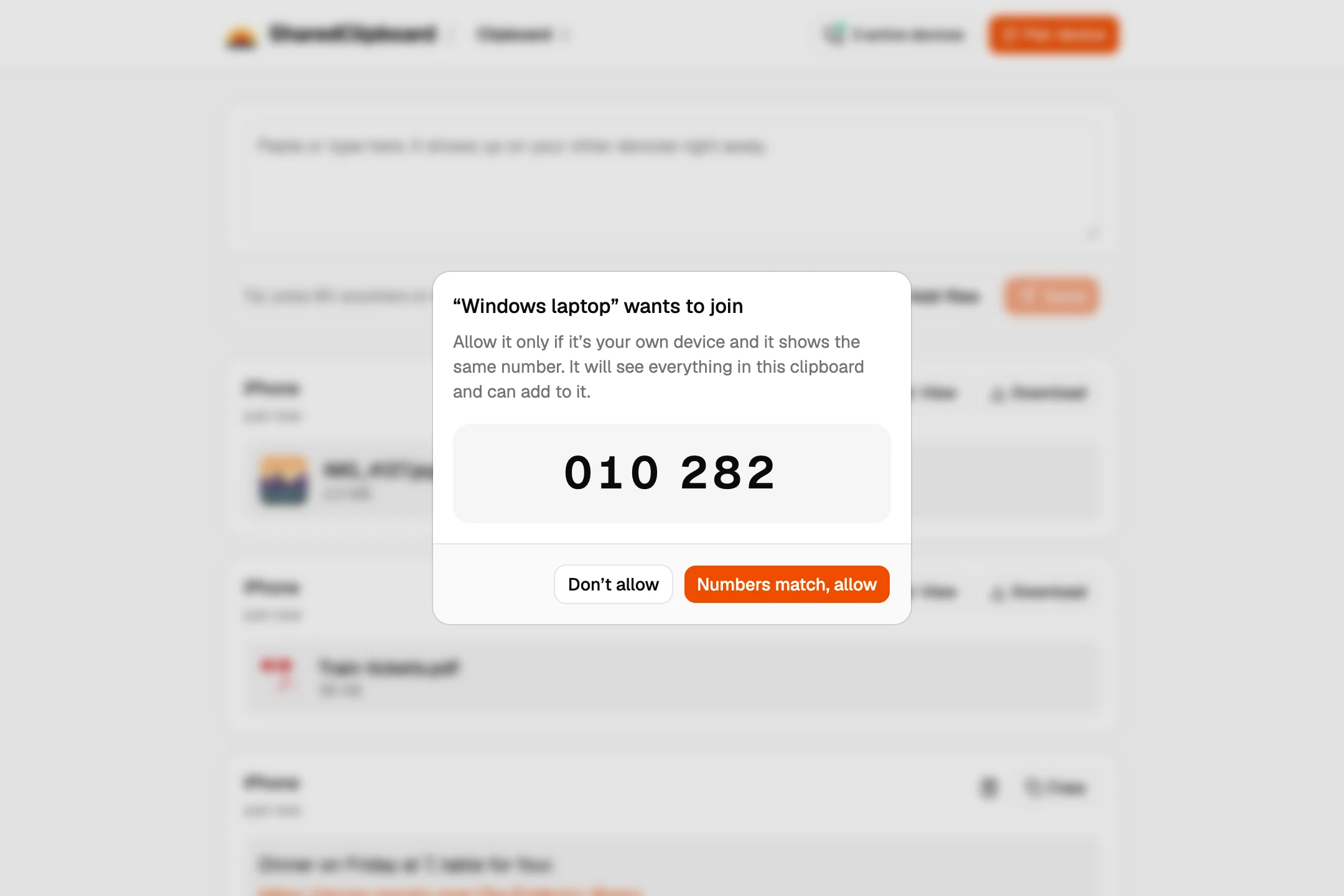
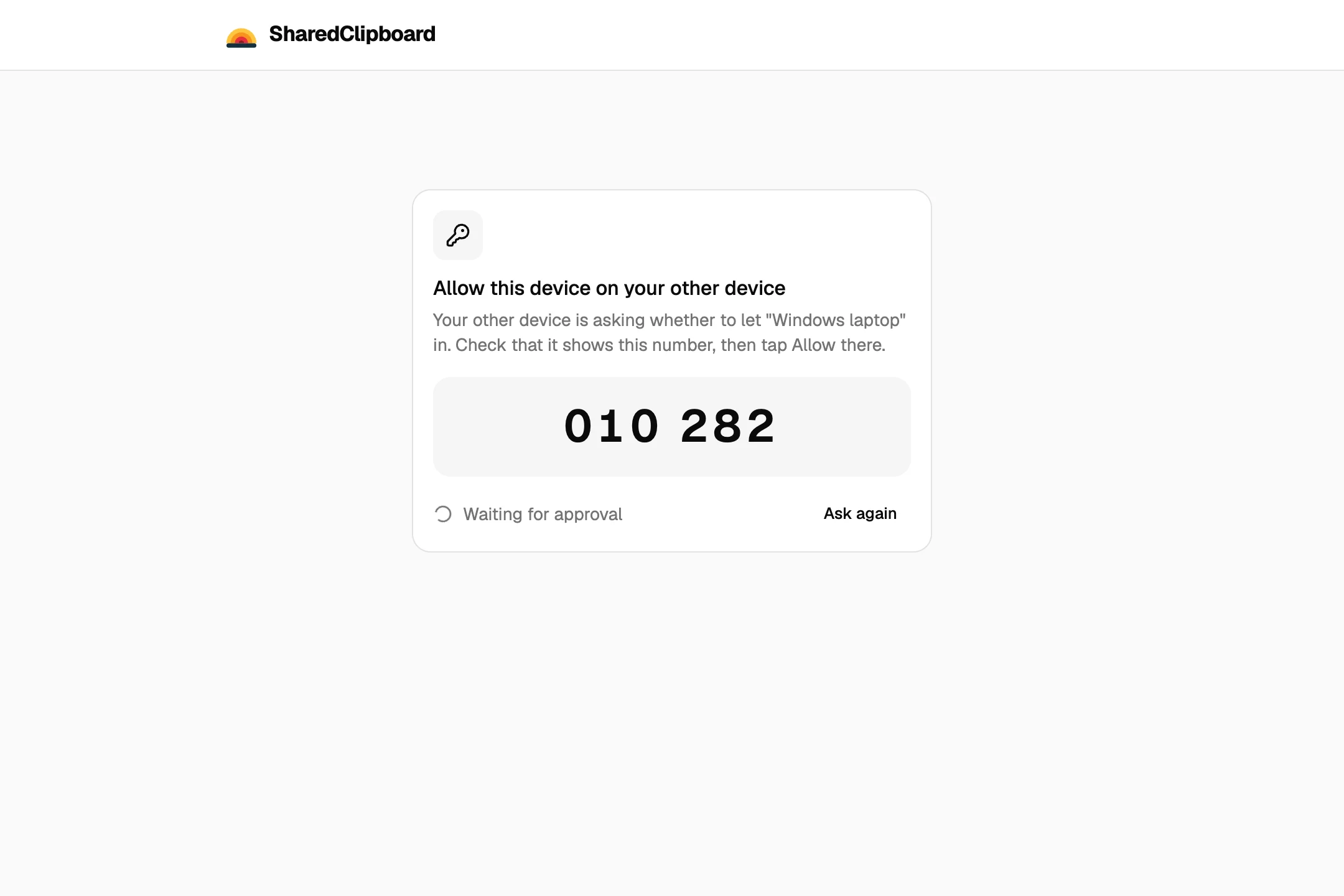
- Open it on the second PC. Open sharedclipboard.com on the second PC and type the 6‑digit code. Check that both screens show the same safety number, then click Allow on the first PC.
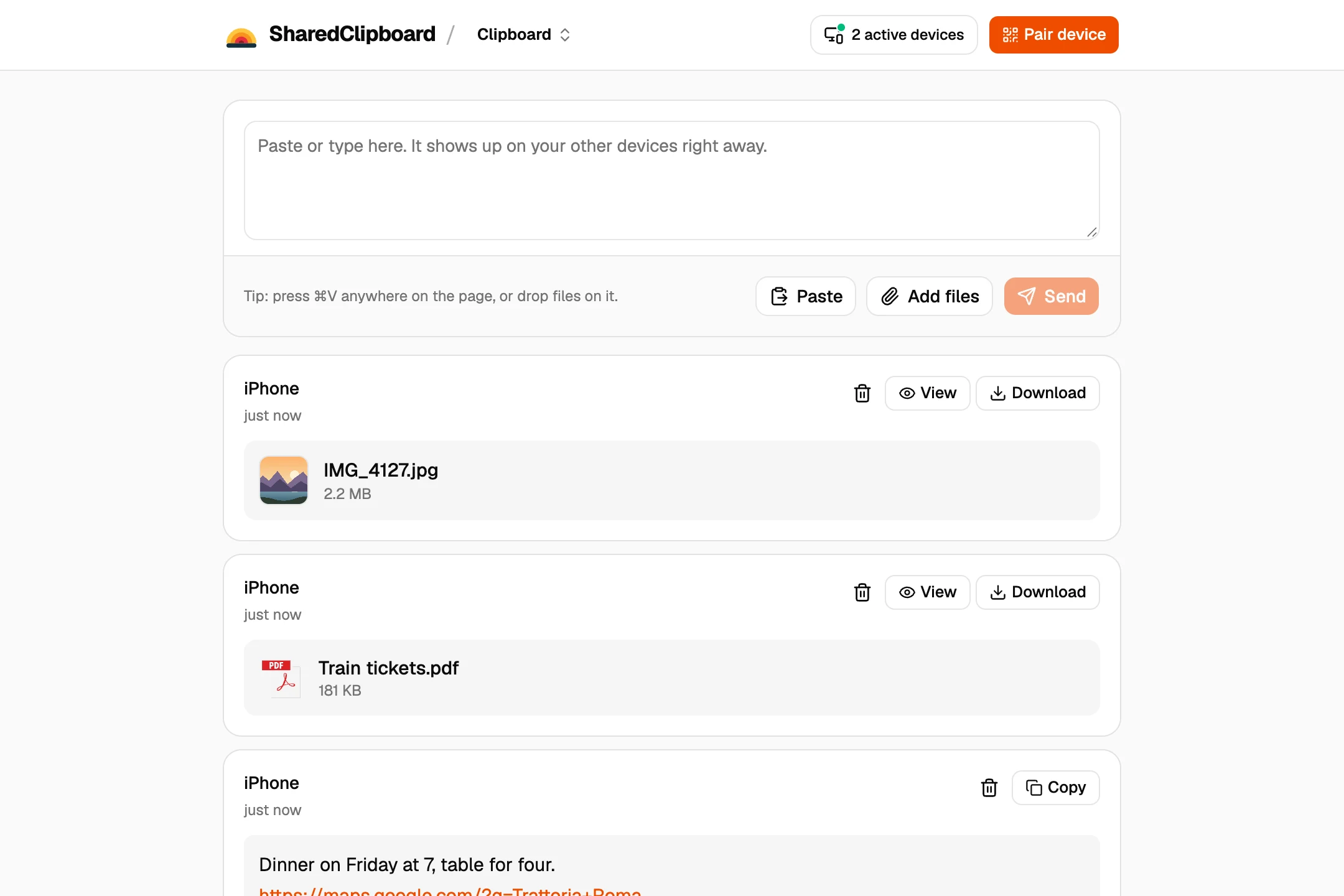
- Add the files. Click Add files, or drop files onto the page, on either PC. They show up on the other one, and Download saves them.
Other ways to move files between PCs
A USB flash drive
Fast for big folders, if you have one at hand and it fits both computers.
Nearby sharing
Windows 10 and 11 can send files to a PC close by over Bluetooth or Wi‑Fi. Turn it on in Settings, System, Nearby sharing on both PCs.
A shared folder
On the same network, share a folder on one PC and open it from the other in File Explorer. It takes some setting up.
Moving to a new PC
To bring everything across, back up the old PC with the Windows Backup app and restore it on the new one.
Good to know
- Sending a whole folder? Zip it first with OnlineArchiver, a free tool that works in the browser, then add the zip file.
- Both devices need to be online at the same time. Files go straight from one to the other and are never stored on our servers.
- Each file can be up to 100 MB. For whole folders or a full computer, a USB drive or Windows Backup is faster.
- Some work and school networks block direct connections between devices. If a file doesn’t arrive, put both devices on the same Wi‑Fi or use your phone’s hotspot.
- The two PCs don’t need to be on the same network, or even in the same building.
Questions
How do I transfer files from one PC to another without a USB?
Open the same SharedClipboard on both and add the files on one. Nearby sharing and shared folders work too when both PCs are close by or on the same network.
Can I transfer files between PCs over the internet?
Yes. With SharedClipboard the two PCs only need to be online, not on the same Wi‑Fi.
Does it work between Windows 10 and Windows 11?
Yes. It works in any modern browser, on Windows 10 or 11, Mac, Linux and Chromebook.
How do I move everything to a new PC?
For a whole computer, use the Windows Backup app or a USB drive. SharedClipboard is best for a handful of files.
Updated September 27, 2026