Share photos between your iPhone and your Android phone
- Get a private link on one phone. Open sharedclipboard.com on one phone and tap Get a private link. A QR code appears.
- Scan it with the other phone. Point the other phone’s camera at the code and tap the link.
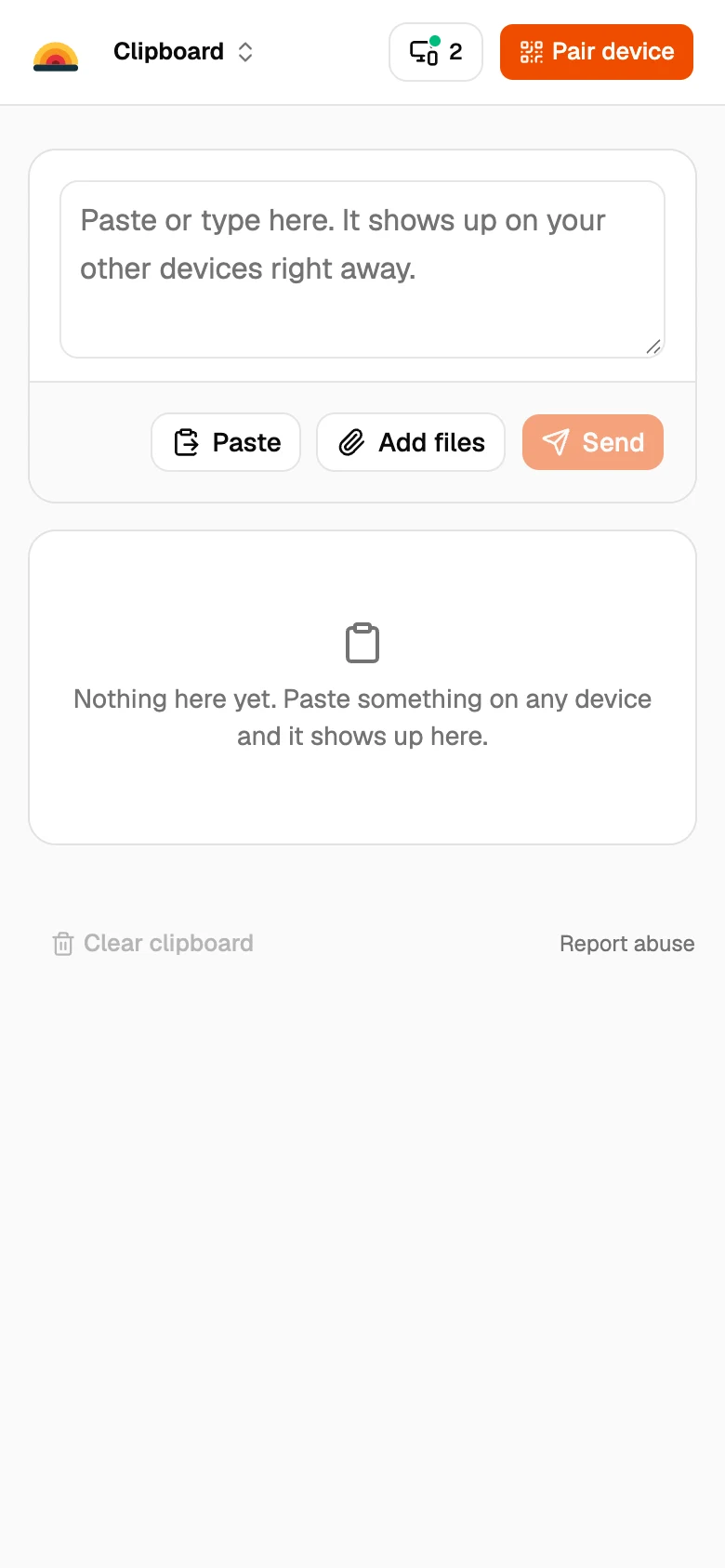
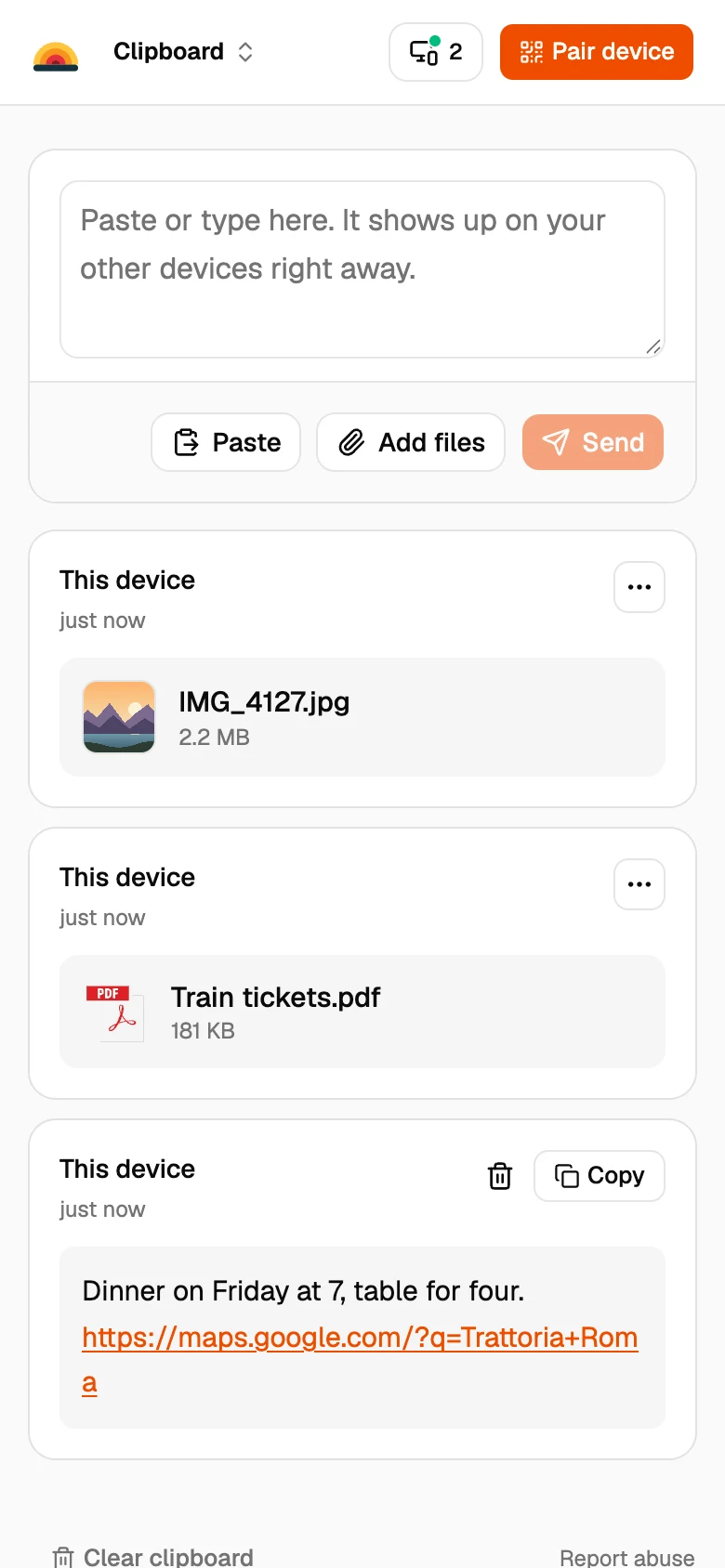
- Add your photos and files. Tap Add files on either phone and pick what to send. It shows up on the other phone a moment later.
Other ways between iPhone and Android
Quick Share with AirDrop
Pixel 9 and later (except the Pixel 9a), recent Samsung Galaxy phones and some OnePlus, Oppo and Vivo models can swap files with iPhones through AirDrop. The iPhone has to accept AirDrop from Everyone for 10 Minutes.
A shared album
Share an album from Google Photos. Good for lots of photos you want to keep together.
A chat app
Easy, but most chat apps shrink photos and videos.
Good to know
- SharedClipboard is for your own devices, like a personal iPhone and a work Android. To send photos to someone else, use a chat app or a shared album.
- Both devices need to be online at the same time. Files go straight from one to the other and are never stored on our servers.
- Each file can be up to 100 MB.
- Some work and school networks block direct connections between devices. If a file doesn’t arrive, put both devices on the same Wi‑Fi or use your phone’s hotspot.
- Moving contacts too? Export them as a .vcf file and send it the same way. The free VCF viewer shows what’s in the file first.
Questions
Can I AirDrop from an iPhone to an Android phone?
Only to some newer Android phones, like Pixel 9 and later and recent Samsung Galaxy phones, through Quick Share. For any other phone, use a browser tool like SharedClipboard.
How do I send photos from Android to iPhone without an app?
Open the same SharedClipboard link on both phones, tap Add files on the Android phone, and save the photos on the iPhone.
Do the photos lose quality?
No. SharedClipboard sends the original files.
Updated September 27, 2026